Plan the appliqué piece
Decide which areas of the design will be appliqué (cut fabric) vs stitched. Larger flat areas work best for appliqué — saves thread and adds texture.
 StitchPilot.ai
Tutorial · Appliqué
Appliqué — adding a cut fabric piece into an embroidery design — adds texture, color variety, and finished look with fewer stitches. This guide covers the appliqué workflow: placement line, tackdown, satin edge, and how to digitize an applique design in StitchPilot.ai.
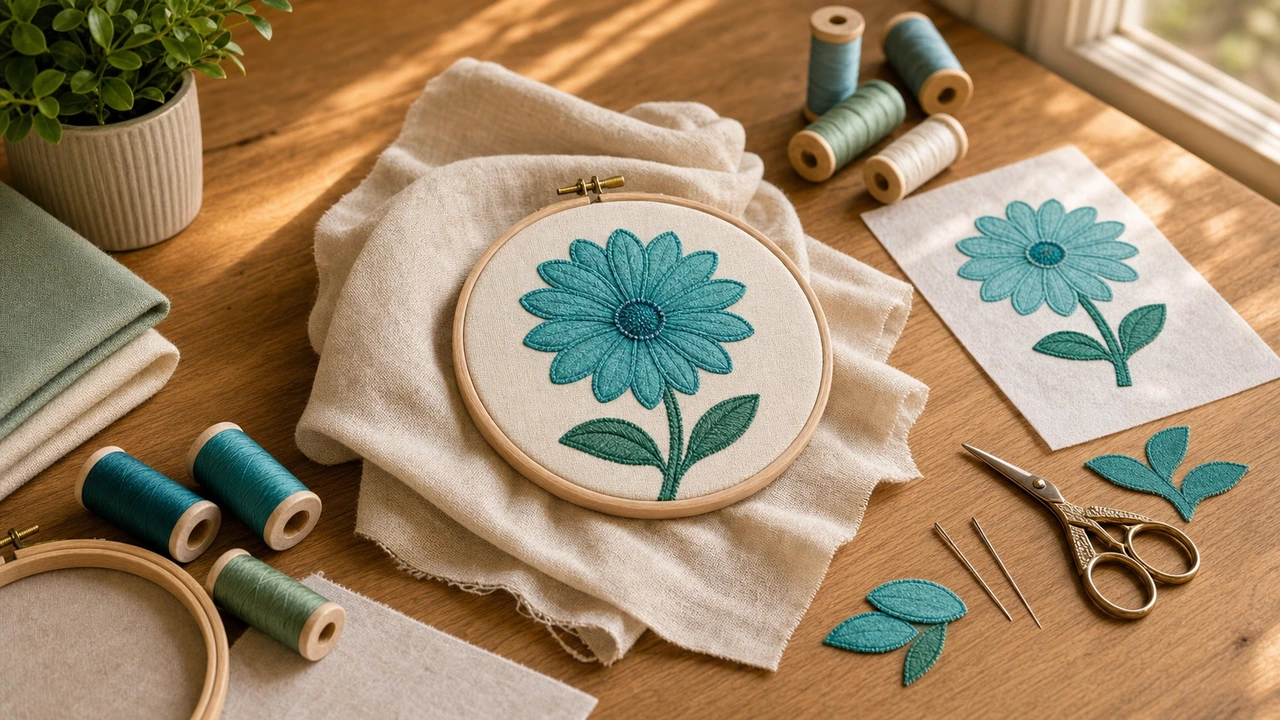
Appliqué workflow
Decide which areas of the design will be appliqué (cut fabric) vs stitched. Larger flat areas work best for appliqué — saves thread and adds texture.
Appliqué starts with a placement line (light running stitch in the shape of the appliqué piece). Place fabric over this guide.
A tackdown stitch secures the fabric piece. Cut excess fabric outside the tackdown line carefully.
Satin stitch around the edge covers the raw fabric edge and seals the appliqué piece. This is the main embroidery — looks beautiful when done right.
Appliqué advantages
Appliqué solves problems that pure embroidery struggles with:
Common appliqué fabrics
Best fabrics for the appliqué piece:
How to make applique design — common questions
Appliqué is adding a cut fabric piece into an embroidery design. The fabric piece becomes a "color zone" in the design — replacing stitched solid areas with actual fabric for texture, color variety, and faster production.
Digitize three layers: (1) placement line (running stitch outline), (2) tackdown line (after placing fabric), (3) satin edge (covers the raw fabric edge). StitchPilot.ai's AI digitizing can produce appliqué-ready designs.
Appliqué is integrated into a larger design — the fabric piece is part of a bigger embroidery. Patches are standalone — the entire item is the patch, cut out and applied separately.
Yes, but some fabrics work better. Cotton woven is the easiest. Felt is great for casual designs. Avoid very stretchy or fraying-prone fabrics for first attempts.
Yes if the fabric and stitching are chosen correctly. Use cut-away stabilizer underneath, durable fabric like twill or cotton for the appliqué piece, and polyester embroidery thread for the satin edge.
Try appliqué
Convert your design with appliqué zones — fewer stitches, more visual interest.
Digitize appliqué design →