 StitchPilot.ai
Software comparison · 2026
Embroidery Digitizing Software Alternatives
StitchPilot.ai is a browser-based AI digitizing tool that opens, converts, and previews embroidery files without installs or expensive licenses. Compare against the popular alternatives below to find the right fit for your workflow.
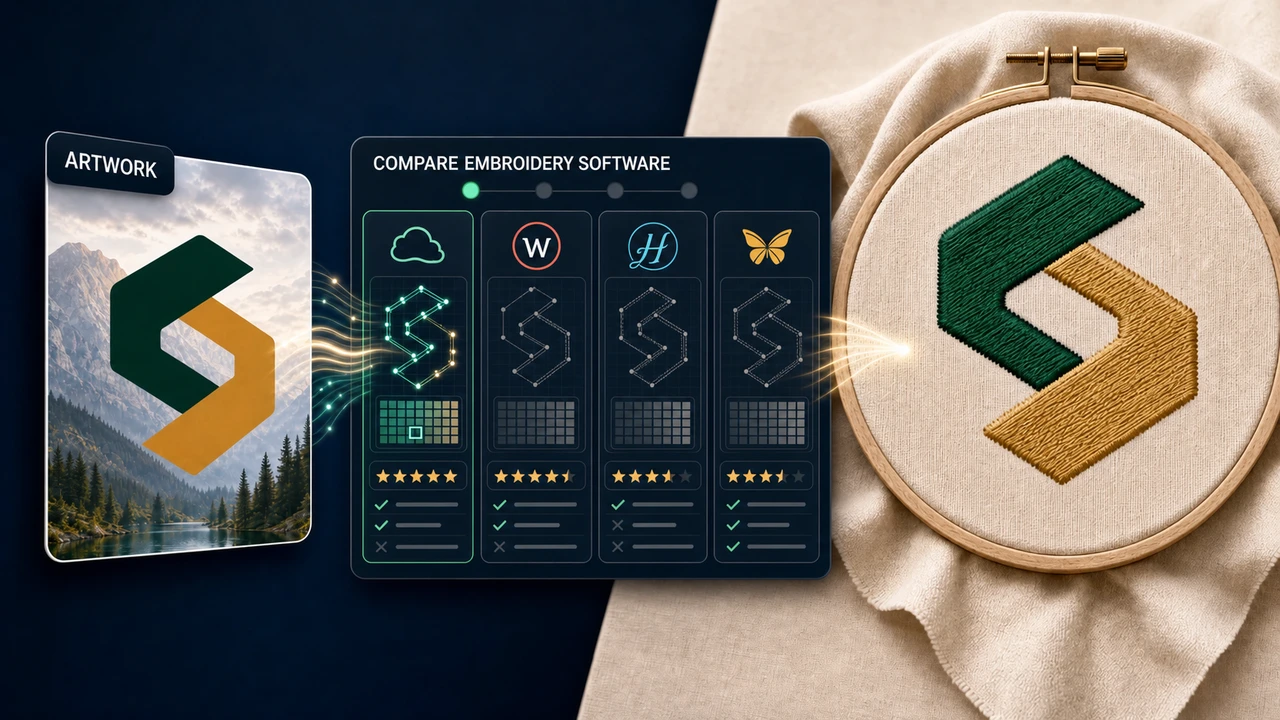
Compare with popular tools
Premium desktop suite
StitchPilot.ai vs Wilcom Hatch
Hatch starts at $399 (Lettering) and runs up to $1,299+ (Composer). StitchPilot.ai delivers the most-used 80% in a browser, with AI digitizing, for free.
See comparison →Open-source desktop
StitchPilot.ai vs Ink/Stitch
Ink/Stitch is free but requires Inkscape + extension install and a steep learning curve. StitchPilot.ai is browser-based with AI-assisted digitizing — no install, no manual stitch path setup.
See comparison →Mac & Windows · modular
StitchPilot.ai vs Embrilliance
Embrilliance is a popular Mac/Windows embroidery editor with a paid modular plug-in system. StitchPilot.ai gives you AI digitizing in the browser, free for typical use.
See comparison →Windows auto-digitizing
StitchPilot.ai vs SewArt
SewArt is a ~$75 Windows-only auto-digitizing tool. StitchPilot.ai delivers similar AI-driven image-to-embroidery conversion in the browser, free.
See comparison →Windows · plug-in system
StitchPilot.ai vs Embird
Embird is a long-standing Windows embroidery editor with a paid modular plug-in system. StitchPilot.ai is the browser-based simpler option.
See comparison →Brother official software
StitchPilot.ai vs Brother PE-Design
Brother PE-Design is Brother's official Windows-only software at $800-$1400. StitchPilot.ai exports PES files in your browser for free.
See comparison →Free tools roundup
Best free embroidery digitizing software
A roundup of free options including StitchPilot.ai, Ink/Stitch, SophieSew, and Embroidermodder, with strengths and limitations of each.
Read the roundup →Who is this for
Browser-native digitizing for small studios and side projects
If you embroider a few logos per month for clients, run an Etsy shop with monogram listings, or maintain a hobby embroidery library, you do not need a $1,000+ desktop suite. StitchPilot.ai covers the daily flow — convert image to embroidery, preview a file, export to a different format — in the browser, at no cost for typical volumes.
- Free for occasional and small-volume use
- Works on Windows, macOS, Linux, ChromeOS, iPad
- Opens PES, DST, JEF, VP3, EXP, HUS, XXX files
- AI digitizing assistance — no manual stitch path tracing
When you still need a desktop suite
Where premium software still wins
Wilcom, Hatch, and Embrilliance remain the right tools for production-grade lettering, deep stitch editing, complex fills, and full color management workflows on commercial multi-needle machines. If you stitch 8+ hours a day on a Tajima or Melco line, plan to invest in a premium suite — and use StitchPilot.ai for the in-between tasks where a browser session is faster.
- Production lettering with kerning, baselines, density curves
- Fine-grained stitch editing across thousands of objects
- Custom fills, motifs, and underlay engineering
- Multi-needle commercial production color sequencing
Embroidery software alternatives — common questions
Why use a Wilcom or Hatch alternative?
Wilcom and Hatch are powerful but desktop-only with steep license costs ($300–$10,000+). For Etsy sellers, small studios, and occasional users, a browser-based AI tool covers most needs at a fraction of the cost.
Is StitchPilot.ai really free?
StitchPilot.ai offers free in-browser embroidery conversion and viewing. Paid plans unlock larger files, batch jobs, and team workflows. There is no install, no per-seat license, and no Windows lock-in.
Which alternative is right for me?
If you are coming from Wilcom Hatch, you want browser convenience and AI assistance — see the Wilcom Hatch comparison. If you are coming from Ink/Stitch + Inkscape, you want to skip the desktop install and CLI — see the Ink/Stitch comparison.
Can I migrate my existing designs?
Yes. StitchPilot.ai opens PES, DST, JEF, VP3, EXP, HUS, and XXX files directly in the browser. You can preview, convert, or re-export your existing library without keeping the original software installed.
Ready to try?
Open StitchPilot.ai in your browser
No install, no credit card. Upload an image or embroidery file and see how AI digitizing compares to your current workflow.
Start now →