Use a cap-appropriate design size
Most cap front panels accept 2.25″ tall × 5″ wide designs. Plan smaller than the maximum to leave clean borders.
 StitchPilot.ai
Use case · Hats and caps
Caps require a different workflow than flat goods — the curved brim, smaller embroidery area, and structured front panel all affect how stitches lay down. This guide covers digitizing for the cap hoop, stabilizer choice, and getting clean front-panel logos.
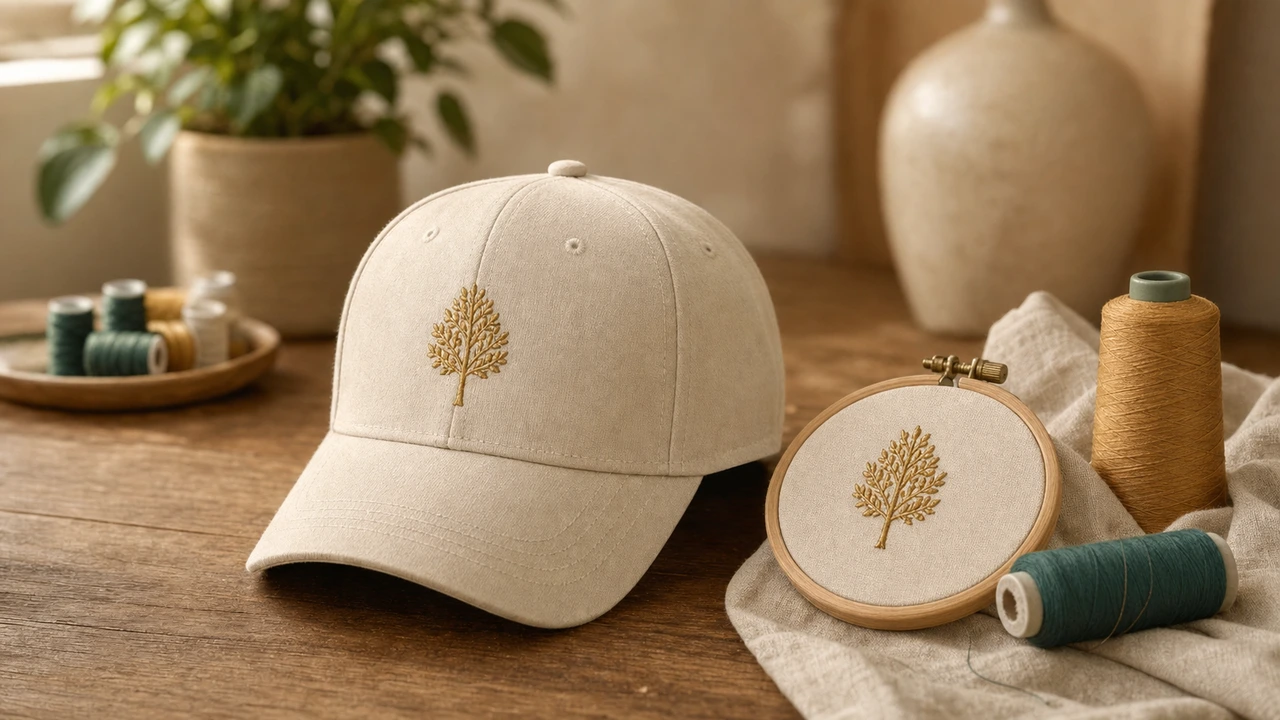
Recommended workflow
Most cap front panels accept 2.25″ tall × 5″ wide designs. Plan smaller than the maximum to leave clean borders.
Convert your artwork in StitchPilot.ai. For caps, increase pull compensation slightly — the curved brim stretches stitches.
Caps need a specialized cap hoop attachment plus heavy tear-away stabilizer. The hoop locks the cap front panel flat during stitching.
Cap designs should stitch from center outward to minimize fabric pull. Reorder stitch sequence in your software if needed.
Cap embroidery basics
Cap front panels are typically structured (foam or buckram backing) for the curved silhouette. Embroidery must work with that structure, not against it.
Machines for cap embroidery
Not all machines have cap hoop attachments — check before buying. Multi-needle commercial machines (Tajima, Melco, Janome MB-4) almost always include them.
Hats & Caps — common questions
Most structured caps accept 2.25″ tall × 5″ wide designs. Plan smaller than the maximum to leave clean white space around the logo.
Yes. A cap hoop attachment locks the cap front panel flat against the embroidery field. Multi-needle commercial machines usually include cap hoops; home machines often require a separate purchase.
Heavy tear-away stabilizer is standard for structured caps. The cap itself has built-in stiffening, so the tear-away just adds local support around the stitches.
Most common causes: not enough pull compensation, stabilizer too light, stitch order goes outside-in instead of center-out, or fabric tension is too high. Try center-out ordering first.
Yes — unstructured caps (dad hats) are actually easier in some ways because there is no foam backing. Use cut-away stabilizer instead of tear-away for unstructured caps.
Ready for production
Digitize cap-friendly designs, plan the right stabilizer, and prep files for cap-hoop production.
Convert your cap design →