Inspect the design in a viewer first
Open the file in StitchPilot.ai's viewer. Look for dark, solid black areas — these are concentrated stitch zones. If most of the design is dark, it's over-dense.
 StitchPilot.ai
Troubleshooting · Density
Designs over-digitized with too-high stitch density bunch up, break threads, distort fabric, and waste production time. This guide explains how to detect a dense design before stitching, how to fix it, and when to ask the seller for a re-export.
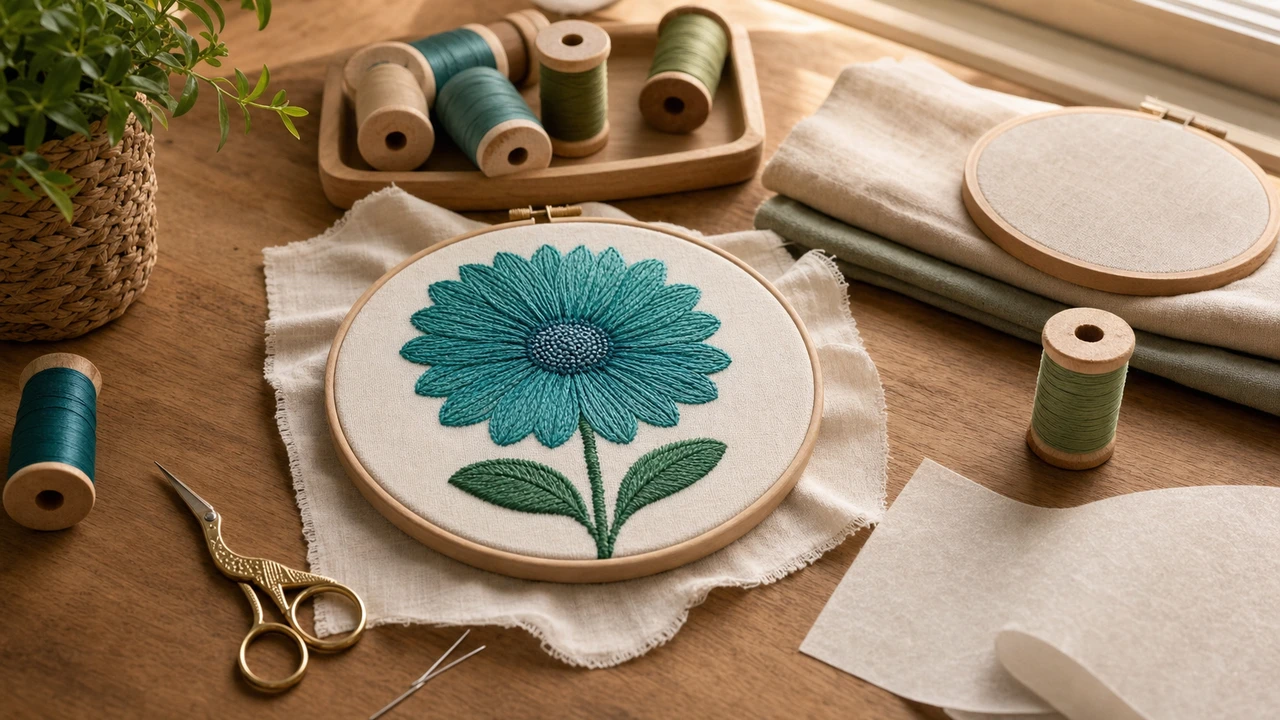
Detect and fix dense designs
Open the file in StitchPilot.ai's viewer. Look for dark, solid black areas — these are concentrated stitch zones. If most of the design is dark, it's over-dense.
Rough rule: 800-1200 stitches per square inch is normal. 1500+ per square inch is dense. 2000+ is over-dense and will cause problems.
If you digitized the design, re-export at lower density (4 stitches/mm instead of 5 in fill areas). If you bought the design, ask the seller for a less-dense version.
If you can't re-export, reduce density at the machine: lower stitch density setting, use lighter thread (40wt instead of 30wt), increase row spacing. Test on scrap first.
Signs of an over-dense design
Density is visible if you know where to look:
Stitches per square inch guide
For machine embroidery on typical fabrics:
Embroidery design too dense — common questions
Open the file in StitchPilot.ai's viewer. Dark/solid areas indicate concentrated stitches. If most of the design is dark, density is too high. Compare to a known-good design for reference.
Most home-business tools can't directly edit density inside a finished embroidery file (.pes, .dst). You can adjust at the machine (slower speed, lighter thread) or ask the seller for a less-dense re-export.
For standard solid fills: 800-1200 stitches per square inch (or ~4 stitches per mm). Lighter for fine fabrics, heavier for premium effects. Anything over 1500 stitches/sq in is asking for problems.
Cheap or AI-without-tuning digitizing tends to use generic fill settings without optimizing for fabric. Premium digitizing carefully tunes density per design and fabric expectations.
StitchPilot.ai's AI digitizing applies appropriate density defaults for the target output format. You can also adjust density in advanced settings before download. The preview shows density visually.
Catch density before stitching
Dark areas = dense areas. Catch over-dense designs before they break threads or distort fabric.
Inspect density visually →