Change the needle first
Bent or dull needles cause more thread breaks than any other single factor. New needles are $5-15 for a pack. If you're unsure when you last changed, change now.
 StitchPilot.ai
Troubleshooting · Thread breaks
Thread breaks are the most common and frustrating embroidery problem. Causes range from a dull needle ($5 fix) to a poorly digitized design (hours wasted). This guide walks through the diagnostic flow so you can find the cause fast.
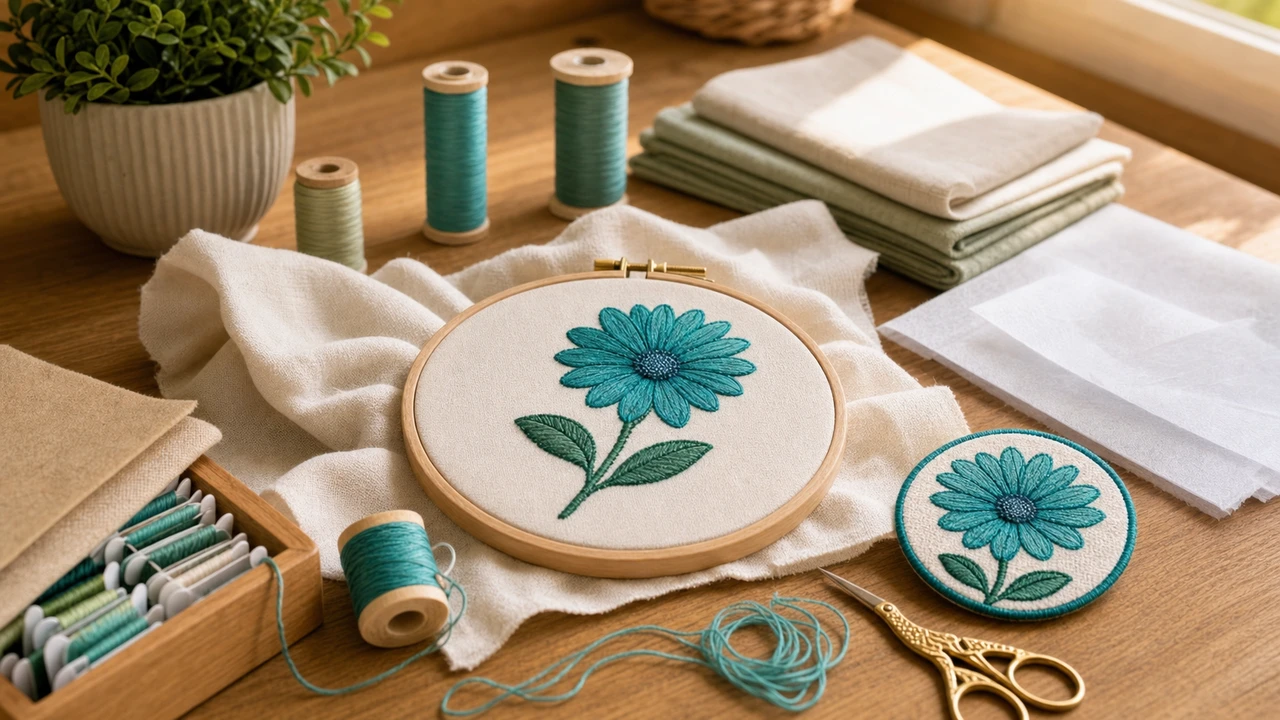
Diagnose thread breaks fast
Bent or dull needles cause more thread breaks than any other single factor. New needles are $5-15 for a pack. If you're unsure when you last changed, change now.
Too tight = thread breaks. Too loose = thread loops on the back. Reset tension to manufacturer default and adjust ¼ turn at a time.
Cheap polyester or rayon thread breaks far more often than name-brand (Madeira, Isacord, Robison-Anton). If you're using bargain thread, switch and retest.
Designs over-digitized with too-high stitch density bunch up and cause breaks. Open the design in StitchPilot.ai's viewer to see stitch density visually.
Top 5 causes of thread breaks
In order of how often each causes thread breaks in home embroidery:
When to suspect the design
If you've checked needle, tension, and thread but breaks continue, the design may be the problem:
Embroidery thread breaking — common questions
In order of probability: dull needle (40%), wrong tension (25%), low-quality thread (15%), design density issue (10%), thread path lint (10%). Change the needle first — it's the cheapest fix and most common cause.
Every 8-12 hours of stitching, or after every project for production work. Needles dull quickly. Most embroiderers change too infrequently.
Start at your machine's factory default. Adjust ¼ turn tighter if thread is loopy on the back; ¼ turn looser if thread breaks. Polyester and rayon may need different tension — test on scrap before production.
Yes. Designs with stitch density too high (over 4-5 stitches per mm in fills) bunch up and cause breaks. Open the file in StitchPilot.ai's viewer to inspect density visually.
Metallic threads break much more easily than regular polyester/rayon — they need slower speed, looser tension, and a metallic-specific needle (size 14-16 with larger eye). Hand-dyed and variegated threads also need special handling.
Catch density issues early
Density problems show up visually in the viewer — saves hours of frustrating thread breaks.
Check design density →