Confirm 5” x 7” hoop
The SE1900 supports the 5” x 7” (130 x 180mm) hoop, same as the PE800. Design within this area for clean loading.
 StitchPilot.ai
Machine guide · Brother SE1900
The Brother SE1900 is a step up from the SE700 — same combination sewing/embroidery design but with the larger 5” x 7” hoop. This guide covers PES export, transfer workflow, and SE1900-specific tips.
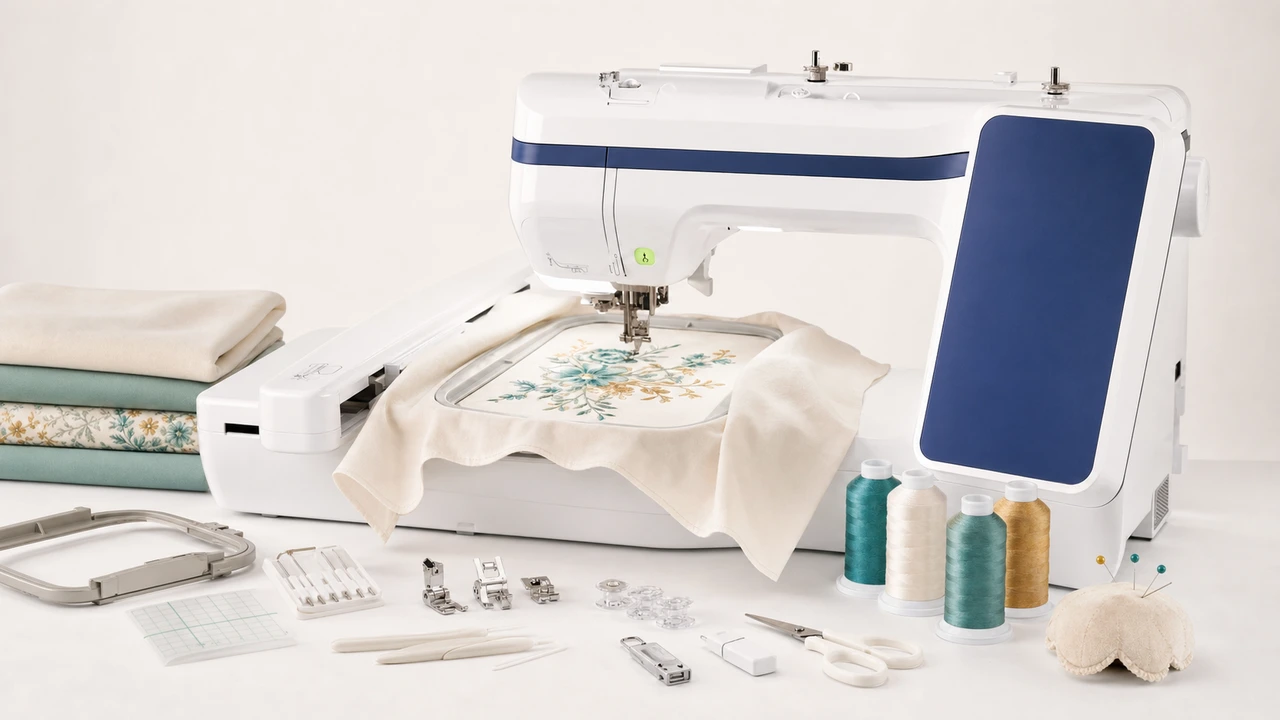
Working with Brother SE1900
The SE1900 supports the 5” x 7” (130 x 180mm) hoop, same as the PE800. Design within this area for clean loading.
Use StitchPilot.ai to export PES from PNG, JPG, SVG, or WebP artwork. Preview before download to catch sizing issues early.
SE1900 supports USB drives and (on newer firmware) the iBroidery wireless transfer app. Both routes load the same PES file to the machine.
Attach the embroidery unit, load the PES design, run a test stitch on scrap fabric to confirm thread tension and stabilizer choice before committing.
SE1900 vs SE700
The SE1900 shares the SE700’s combination sewing+embroidery architecture but adds the larger 5” x 7” hoop. If you outgrew the SE700’s 4” x 4” area, the SE1900 is the natural step up.
Workflow tips
The SE1900’s combination architecture has a few quirks to know about.
Brother SE1900 — common questions
The SE1900 has a larger 5” x 7” hoop vs the SE700’s 4” x 4”, and is generally considered the better choice if you want more design freedom. Both share the same combination sewing+embroidery architecture.
Yes. The SE1900 uses PES, Brother’s native embroidery format.
The SE1900 ships with a 5” x 7” hoop. Designs must fit within 130 x 180mm.
Yes. The SE1900 is a combination machine — standard sewing machine with an embroidery unit that attaches when needed.
USB drive (FAT32) or wireless via the Brother iBroidery app on supported firmware. Either way, the file is loaded from the machine’s on-screen design menu.
Ready to convert?
Upload PNG, JPG, SVG, or WebP artwork. StitchPilot.ai converts it to PES and gives you a stitch preview before download.
Start converting →