Plan for the 4” x 4” hoop
The SE700 has a 100 x 100mm embroidery area, smaller than the PE800. Plan your design to fit within 4” x 4” before exporting — oversize designs will not load.
 StitchPilot.ai
Machine guide · Brother SE700
The Brother SE700 is a combination sewing and embroidery machine using PES format with a 4” x 4” (100 x 100mm) embroidery area. This guide covers PES export, design size planning, USB transfer, and tips for the SE700 workflow.
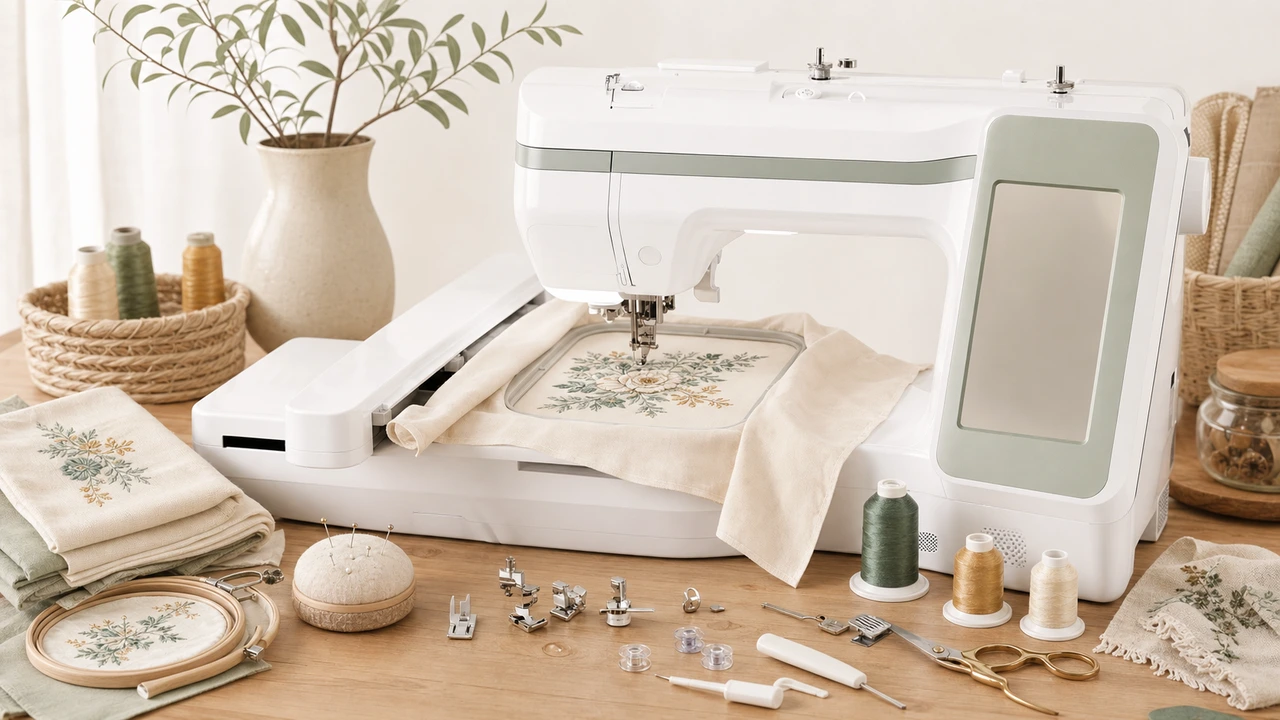
Working with Brother SE700
The SE700 has a 100 x 100mm embroidery area, smaller than the PE800. Plan your design to fit within 4” x 4” before exporting — oversize designs will not load.
Convert your PNG, JPG, SVG, or WebP artwork to PES. Use a lower PES version if your SE700 firmware is older.
The SE700 supports USB transfer; newer firmware versions support wireless transfer to phones via the Brother iBroidery app. Use whichever is more convenient for your workflow.
The SE700 needs to be physically switched between sewing and embroidery modes — attach the embroidery unit before loading the design.
Supported formats & hoop
The Brother SE700 is a combination unit — sewing and embroidery in one machine. Embroidery uses PES with a 4” x 4” hoop.
Workflow tips
The SE700 trades embroidery area for sewing capability. Design within the smaller hoop.
Brother SE700 — common questions
Yes. The SE700 uses PES, Brother’s native embroidery format. StitchPilot.ai exports PES from common artwork formats.
The SE700 has a 4” x 4” (100 x 100mm) embroidery area — designs must fit within those dimensions.
The SE700 is a combination machine — both sewing and embroidery. The embroidery unit attaches when needed; the machine works as a regular sewing machine otherwise.
Newer firmware versions support wireless transfer via the Brother iBroidery app. Older units rely on USB transfer.
Common causes: design exceeds 4” x 4”, PES version too new, USB drive not FAT32, or design in a nested folder. Check size first, then PES version.
Ready to convert?
Upload PNG, JPG, SVG, or WebP artwork. StitchPilot.ai converts it to PES and gives you a stitch preview before download.
Start converting →