Plan within the 200 x 200mm hoop
The Skyline S9’s embroidery area is 200 x 200mm. Plan your design to fit before exporting.
 StitchPilot.ai
Machine guide · Janome Skyline S9
The Janome Skyline S9 is a high-end combination sewing and embroidery machine using JEF format with a 200 x 200mm embroidery area. WiFi-enabled, with on-machine editing and AcuFil quilting support. This guide covers JEF workflow for the Skyline S9.
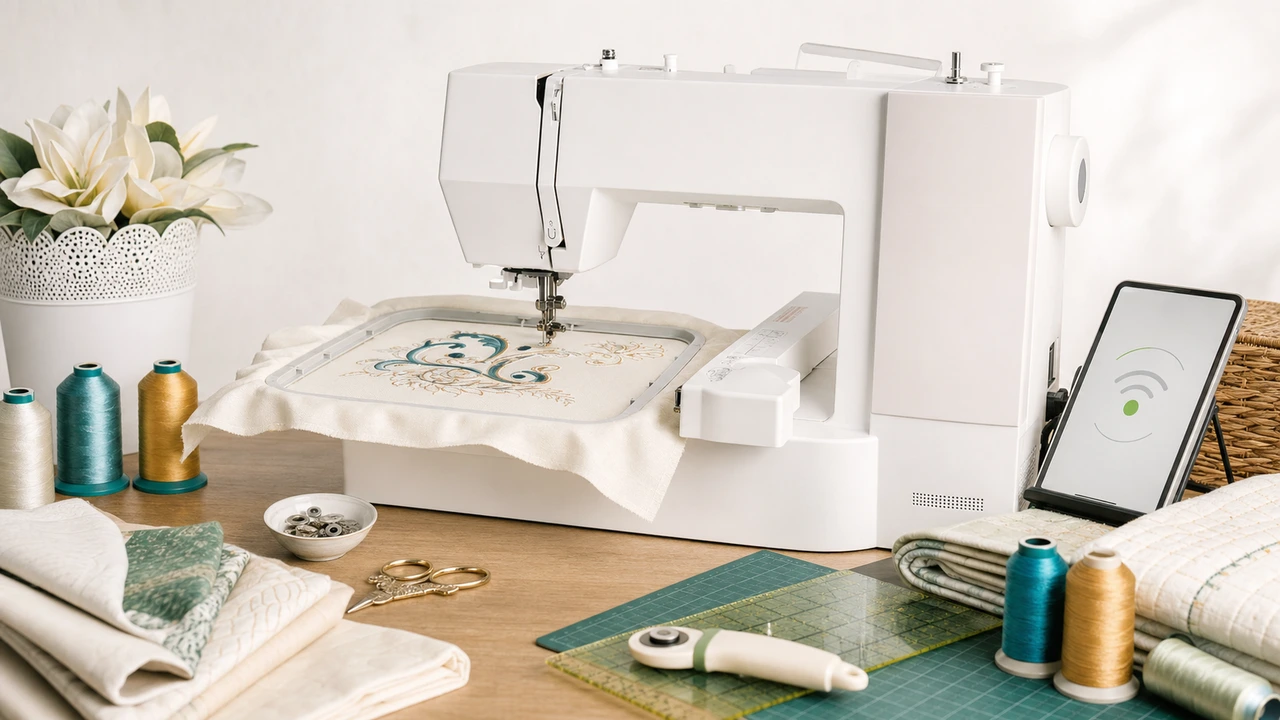
Working with Janome Skyline S9
The Skyline S9’s embroidery area is 200 x 200mm. Plan your design to fit before exporting.
Export JEF from your PNG, JPG, SVG, or WebP. Skyline S9 supports both JEF and JEF+ via newer firmware.
Skyline S9 has WiFi and supports wireless design transfer from a PC. USB transfer also works as a fallback.
The Skyline S9’s touchscreen offers extensive on-machine editing — resize, rotate, color reorder, combine multiple designs into a layout.
Skyline S9 specs
The Skyline S9 is one of Janome’s flagship combination machines — sewing, embroidery, and AcuFil quilting in one unit, with WiFi for wireless design transfer.
Workflow tips
The Skyline S9’s WiFi transfer and on-machine editing reduce the round-trip between PC and machine for typical workflows.
Janome Skyline S9 — common questions
Yes. The Skyline S9 uses JEF, Janome’s native embroidery format. JEF+ is also supported.
Yes. The Skyline S9 has WiFi and supports wireless design transfer from a PC. USB transfer also works.
The Skyline S9 supports up to 200 x 200mm embroidery area with the appropriate hoop.
Yes — the Skyline S9 is a combination machine with sewing, embroidery, and AcuFil quilting in one unit.
AcuFil is Janome’s automated quilting system that uses the embroidery unit to stitch quilt-in-the-ditch and motif quilting patterns on hooped quilt sandwiches.
Ready to convert?
Upload PNG, JPG, SVG, or WebP artwork. StitchPilot.ai converts it to JEF and gives you a stitch preview before download.
Start converting →