Use the right hoop for your design
The MC 500E supports multiple hoops up to 200 x 280mm. Larger hoops accept bigger designs, but require precise hooping. Plan design size before exporting.
 StitchPilot.ai
Machine guide · Janome MC 500E
The Janome Memory Craft 500E is an embroidery-only machine using JEF format with a 7.9” x 11” (200 x 280mm) embroidery area. This guide covers JEF export, hoop choices, USB transfer, and tips for getting clean results on the MC 500E.
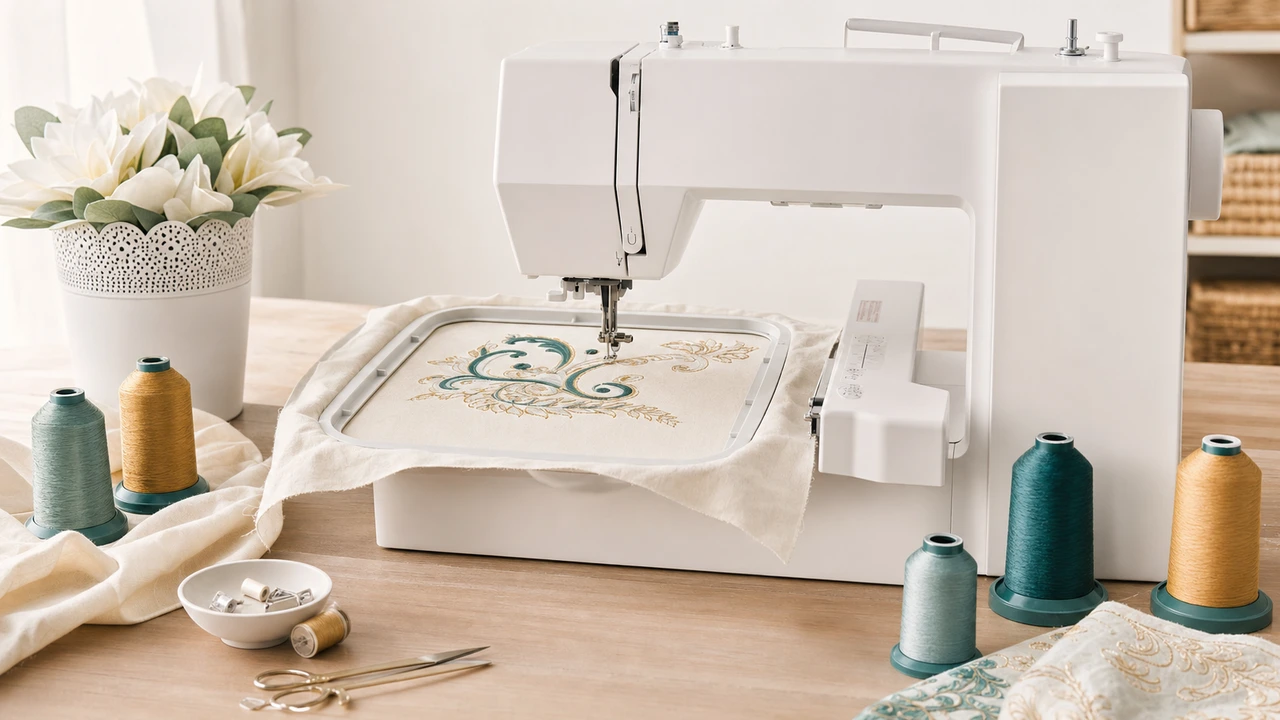
Working with Janome Memory Craft 500E
The MC 500E supports multiple hoops up to 200 x 280mm. Larger hoops accept bigger designs, but require precise hooping. Plan design size before exporting.
Use StitchPilot.ai to convert PNG, JPG, SVG, or WebP artwork into JEF. Preview the stitch result before downloading to confirm color zones and layout.
Copy the JEF file to a FAT32 USB drive and plug into the MC 500E’s USB port. The machine reads JEF directly from USB.
Select the design on the MC 500E’s color screen, confirm color sequence and orientation, hoop your fabric and stabilizer, and run a quick test stitch before final.
MC 500E specs
The Memory Craft 500E is one of Janome’s mid-tier embroidery-only machines with a large hoop and full JEF support.
Workflow tips
The MC 500E has a large embroidery area that opens up designs the smaller Brother home machines cannot stitch.
Janome Memory Craft 500E — common questions
The MC 500E uses JEF, Janome’s native embroidery format. Convert designs to JEF before transferring.
The MC 500E supports up to 200 x 280mm (7.9” x 11”) with the appropriate hoop. Smaller hoops are also available.
Newer Janome firmware revisions support JEF+ on the MC 500E. Older firmware may only accept standard JEF. Check your machine documentation to confirm.
No. The MC 500E reads JEF only. Convert PES designs to JEF using StitchPilot.ai before transfer.
Use a FAT32 USB drive. Plug into the MC 500E’s USB port and select the design from the on-screen menu.
Ready to convert?
Upload PNG, JPG, SVG, or WebP artwork. StitchPilot.ai converts it to JEF and gives you a stitch preview before download.
Start converting →