Plan within the 200 x 280mm hoop
The MC 550E uses the same 200 x 280mm maximum embroidery area as the 500E. Plan design size before exporting.
 StitchPilot.ai
Machine guide · Janome MC 550E
The Memory Craft 550E is the successor to the MC 500E — same large 200 x 280mm hoop but with updated firmware, larger color touchscreen, and additional editing features built in. This guide covers JEF export and 550E-specific workflow.
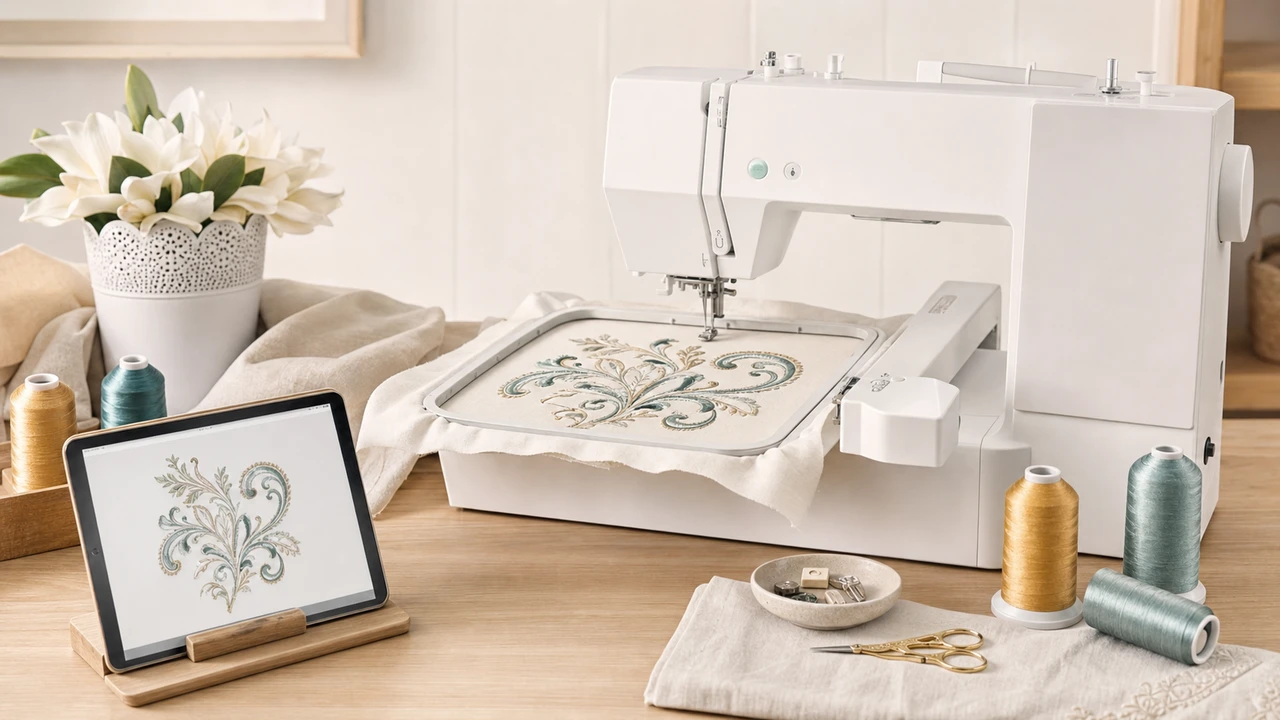
Working with Janome Memory Craft 550E
The MC 550E uses the same 200 x 280mm maximum embroidery area as the 500E. Plan design size before exporting.
StitchPilot.ai exports JEF from your artwork. The MC 550E’s newer firmware supports JEF+ for extended metadata — use the variant your machine prefers.
Copy the JEF file to a FAT32 USB drive and plug into the 550E’s USB port. The on-screen menu lists all design files.
The MC 550E’s touchscreen lets you resize, rotate, and reorder colors before stitching. Use it to make last-minute tweaks without re-exporting.
MC 550E vs 500E
The MC 550E adds a larger touchscreen, refreshed firmware, and on-machine editing tools — same physical embroidery area as the 500E.
Workflow tips
The 550E’s on-machine editing reduces re-export trips between PC and machine.
Janome Memory Craft 550E — common questions
The 550E has the same 200 x 280mm embroidery area but adds a larger touchscreen, refreshed firmware, on-machine editing tools, and a larger built-in design library.
Yes. The 550E supports JEF+ for extended hoop and metadata. Standard JEF also works.
Maximum 200 x 280mm (7.9” x 11”). Smaller hoops are available for precise smaller designs.
No. The MC 550E is embroidery-only. Janome’s combination units are a separate product line.
Via FAT32 USB drive. The 550E reads JEF and JEF+ directly from USB.
Ready to convert?
Upload PNG, JPG, SVG, or WebP artwork. StitchPilot.ai converts it to JEF and gives you a stitch preview before download.
Start converting →