Plan color sequence for four needles
The MB-4’s four-needle architecture handles four thread colors without manual swaps. For designs using more than four colors, plan thread changes at logical pause points.
 StitchPilot.ai
Machine guide · Janome MB-4
The Janome MB-4 is a four-needle commercial embroidery machine using JEF format. The four needles auto-switch threads, dramatically speeding up multi-color production runs. This guide covers JEF workflow for the MB-4.
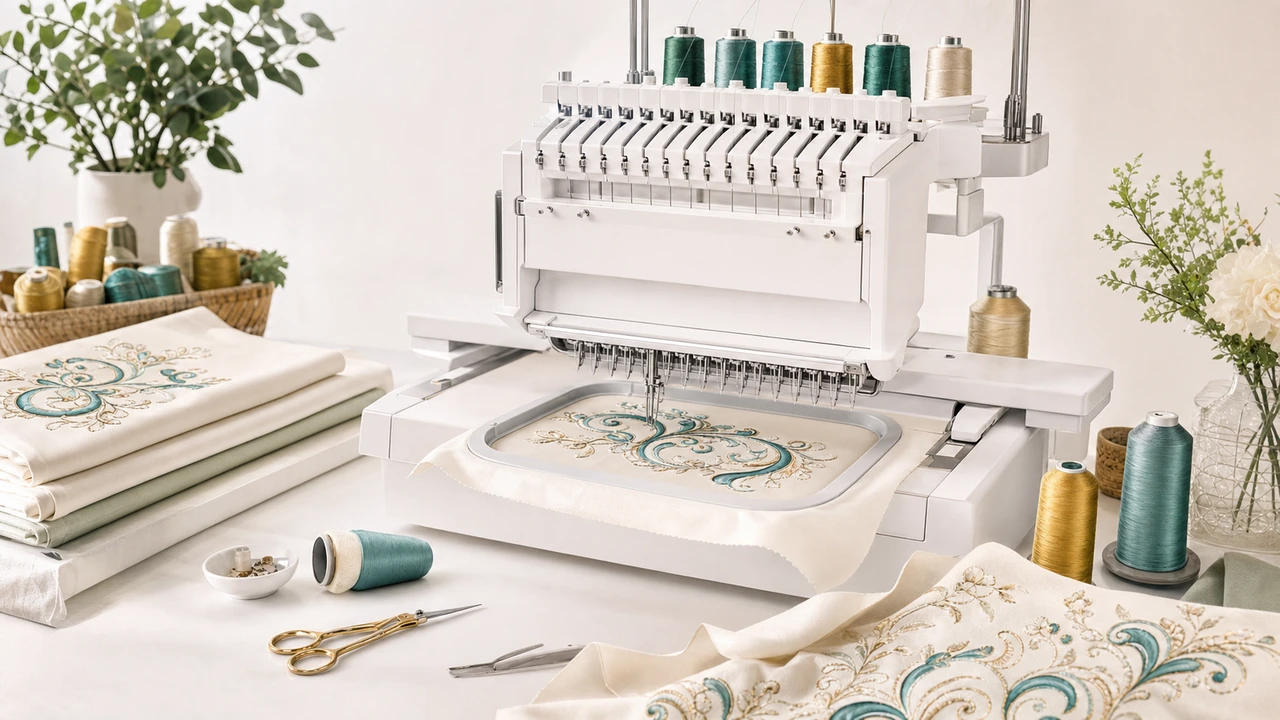
Working with Janome MB-4
The MB-4’s four-needle architecture handles four thread colors without manual swaps. For designs using more than four colors, plan thread changes at logical pause points.
Export JEF from your artwork in StitchPilot.ai. Preview the color sequence and confirm it makes sense for four-needle production.
The MB-4 supports USB transfer and direct PC link. Use whichever fits your production setup.
Load the design, confirm thread color assignments per needle, run the design. The MB-4 handles thread switching automatically within its four-needle limit.
MB-4 specs
The MB-4 is Janome’s entry into multi-needle commercial embroidery — four needles auto-switch threads for fast multi-color production runs.
Workflow tips
The MB-4’s value lies in production speed. Plan designs to maximize the automation benefits.
Janome MB-4 — common questions
The MB-4 is Janome’s four-needle commercial embroidery machine. The four needles hold four threads and switch automatically between them during stitching, enabling fast multi-color production.
Yes. The MB-4 uses JEF, Janome’s native embroidery format.
Four colors per run — one per needle. For designs with more colors, plan pause points to swap threads.
The MB-4 is positioned as a commercial machine but is also used by serious home embroiderers and Etsy production sellers. Compare with the MC 500E/550E for home-only use cases.
Janome offers an optional hat hoop attachment for the MB-4 that supports cap embroidery.
Ready to convert?
Upload PNG, JPG, SVG, or WebP artwork. StitchPilot.ai converts it to JEF and gives you a stitch preview before download.
Start converting →