Confirm VP3 export
The Designer Epic uses VP3 natively. Some older designs in VP4 may also work on Epic firmware — default to VP3 for widest compatibility.
 StitchPilot.ai
Machine guide · Husqvarna Designer Epic
The Husqvarna Viking Designer Epic is the flagship of the Designer line — large embroidery field with VP3 native support, mySewnet wireless design transfer, and on-machine editing. This guide covers VP3 workflow for the Designer Epic.
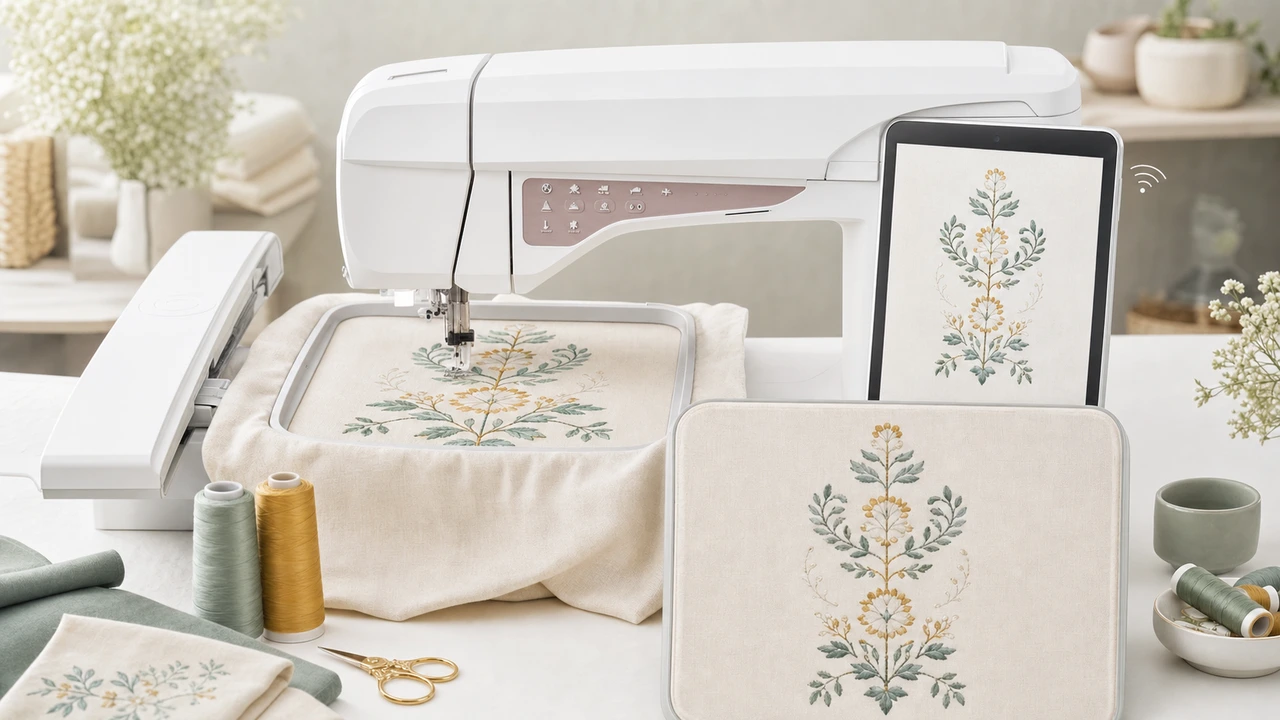
Working with Husqvarna Viking Designer Epic
The Designer Epic uses VP3 natively. Some older designs in VP4 may also work on Epic firmware — default to VP3 for widest compatibility.
Use StitchPilot.ai to convert PNG, JPG, SVG, or WebP to VP3. Preview before export.
The Designer Epic supports the mySewnet cloud platform for wireless design transfer between PC, tablet, and machine. USB is also supported.
The Designer Epic’s large color touchscreen lets you resize, combine, and adjust designs before stitching. Use it for last-minute tweaks without re-exporting.
Designer Epic specs
The Designer Epic is the top of the Husqvarna Viking Designer line — large embroidery field, VP3 native, mySewnet wireless, and extensive on-machine editing.
Workflow tips
The Epic’s mySewnet integration is a major time-saver for users with multiple devices.
Husqvarna Viking Designer Epic — common questions
Yes. The Designer Epic uses VP3, the native Husqvarna Viking embroidery format. StitchPilot.ai exports VP3 from common artwork formats.
mySewnet is Husqvarna Viking’s cloud platform for sharing designs between your machine, PC, and tablet. The Designer Epic connects to mySewnet over WiFi.
Yes. Pfaff Creative machines and Husqvarna Designer machines share the VP3 format and can swap designs.
The Designer Epic offers a large embroidery field; specific dimensions vary by hoop. Check the machine documentation for your specific configuration.
Yes. The Designer Epic is a combination sewing + embroidery machine with a comprehensive sewing feature set.
Ready to convert?
Upload PNG, JPG, SVG, or WebP artwork. StitchPilot.ai converts it to VP3 and gives you a stitch preview before download.
Start converting →