Plan for the 4” x 4” hoop
The SE625’s embroidery area is 100 x 100mm. Plan your design to fit within those bounds before exporting from StitchPilot.ai.
 StitchPilot.ai
Machine guide · Brother SE625
The Brother SE625 is a combination sewing and embroidery machine with PES format and a 4” x 4” hoop. Popular as an entry-level embroidery option at retail. This guide covers PES export and transfer workflow for the SE625.
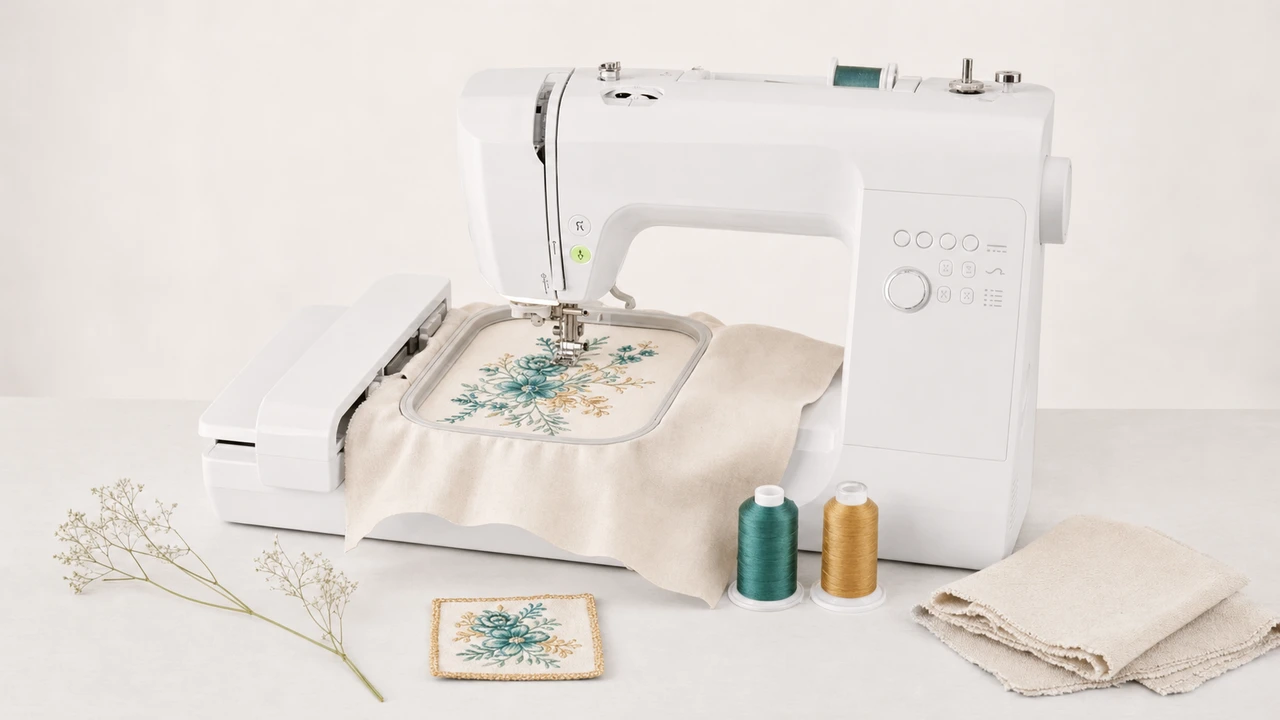
Working with Brother SE625
The SE625’s embroidery area is 100 x 100mm. Plan your design to fit within those bounds before exporting from StitchPilot.ai.
Export PES from your artwork. Test a smaller version first to confirm the SE625 firmware accepts your PES version.
Copy the PES file to a FAT32 USB drive and insert into the SE625’s USB port. The on-screen menu surfaces all files in the drive’s root.
Attach the embroidery unit and switch the SE625 to embroidery mode. The machine handles the rest — it knows to load designs from USB once the unit is attached.
SE625 at a glance
The SE625 is one of Brother’s entry-level combination machines — a popular gift / hobby starter unit with PES format and a 4” hoop.
Workflow tips
The SE625’s 4” x 4” hoop is a hard limit — plan accordingly.
Brother SE625 — common questions
Yes. The SE625 uses PES, Brother’s native embroidery format. StitchPilot.ai exports PES from PNG, JPG, SVG, and WebP artwork.
The SE625 has a 4” x 4” (100 x 100mm) embroidery area. Designs must fit within this hoop.
The SE625 firmware does not support split-hoop designs natively. Re-hooping is possible but requires manual alignment — use a smaller design or upgrade to a larger-hoop machine for big designs.
Yes — the SE625 is a combination sewing and embroidery machine. The embroidery unit attaches when needed.
Via FAT32-formatted USB drive. Plug the drive into the USB port, select the design from the on-screen menu.
Ready to convert?
Upload PNG, JPG, SVG, or WebP artwork. StitchPilot.ai converts it to PES and gives you a stitch preview before download.
Start converting →