Confirm EXP export with color file
Bernina machines read EXP plus a paired color file. Most software exports both together — StitchPilot.ai’s EXP export includes the color reference where applicable.
 StitchPilot.ai
Machine guide · Bernina 770 QE
The Bernina 770 QE (Quilters Edition) is a high-end combination sewing and embroidery machine using EXP format. This guide covers EXP export from StitchPilot.ai, transfer workflow, and 770 QE-specific notes.
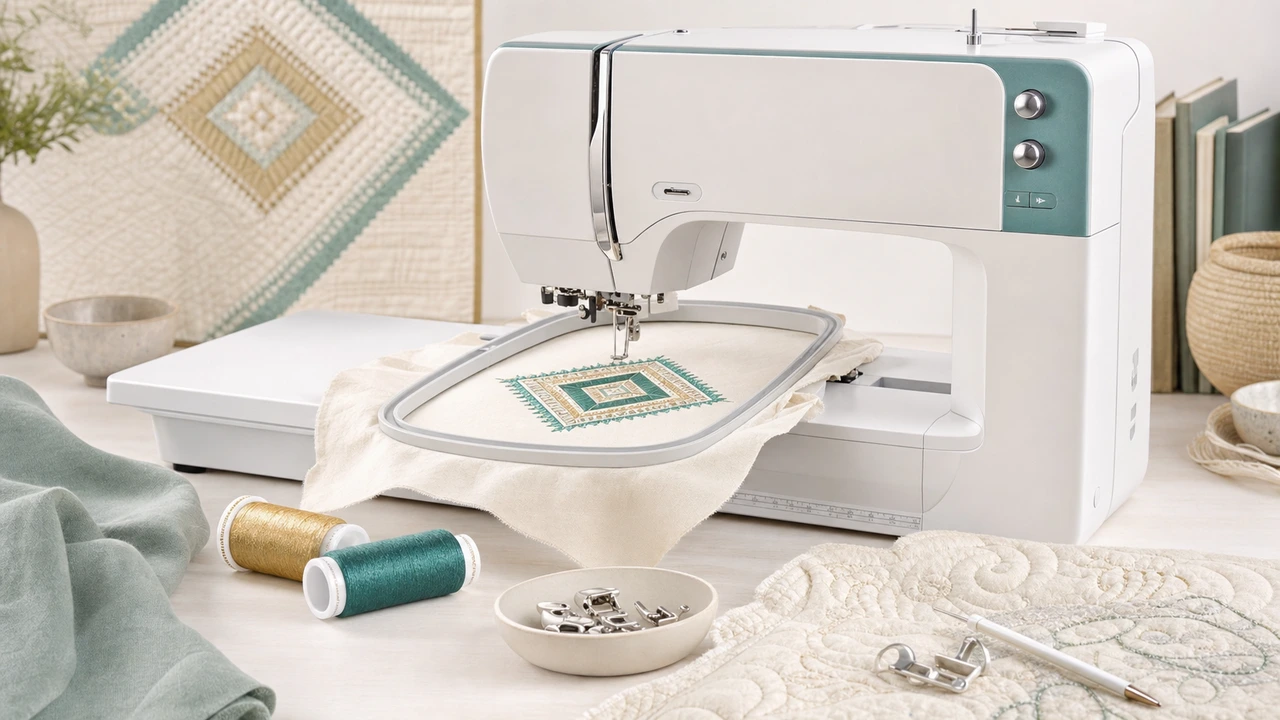
Working with Bernina B 770 QE
Bernina machines read EXP plus a paired color file. Most software exports both together — StitchPilot.ai’s EXP export includes the color reference where applicable.
Convert your PNG, JPG, SVG, or WebP into EXP using StitchPilot.ai. Confirm color sequence in the preview.
Copy the EXP file (and any paired color file) to a FAT32 USB drive, plug into the 770 QE.
The 770 QE’s color touchscreen offers in-machine resize, rotate, and color reorder. Use these for last-minute adjustments.
Bernina 770 QE specs
The 770 QE is Bernina’s 7-series flagship combination machine — EXP format, large embroidery field, and the BERNINA Stitch Regulator for free-motion quilting.
Workflow tips
Bernina embroidery has a specific feel — EXP plus paired color metadata, and a heavily integrated BERNINA Embroidery Software workflow if you have it.
Bernina B 770 QE — common questions
Yes. The 770 QE uses EXP, the embroidery format common to Bernina home machines and Melco commercial systems.
EXP stores stitch data but not full thread color information. Bernina pairs the EXP with a color file (.col, .edr, or similar) for thread metadata. Without it, your machine may use a default palette.
No. The 770 QE reads EXP. PES designs must be converted to EXP first.
BSR is Bernina’s exclusive sensor that maintains consistent stitch length during free-motion quilting — a hardware feature unique to Bernina machines.
You can use StitchPilot.ai for the artwork-to-EXP conversion without paid BERNINA software. The Bernina ecosystem also offers extensive paid digitizing tools if you need deeper editing.
Ready to convert?
Upload PNG, JPG, SVG, or WebP artwork. StitchPilot.ai converts it to EXP and gives you a stitch preview before download.
Start converting →