Download and extract the zip
Etsy embroidery downloads usually come as zip files containing multiple formats (PES + DST + JEF + VP3, sometimes more). Extract the zip to a folder before doing anything else.
 StitchPilot.ai
Buyer guide · Etsy post-purchase
You bought an embroidery design from Etsy — now what? This guide walks through opening the download, picking the right format for your machine, verifying the file works, and transferring it for stitching. Plus the common gotchas that cause "I bought this but it won't stitch" frustration.
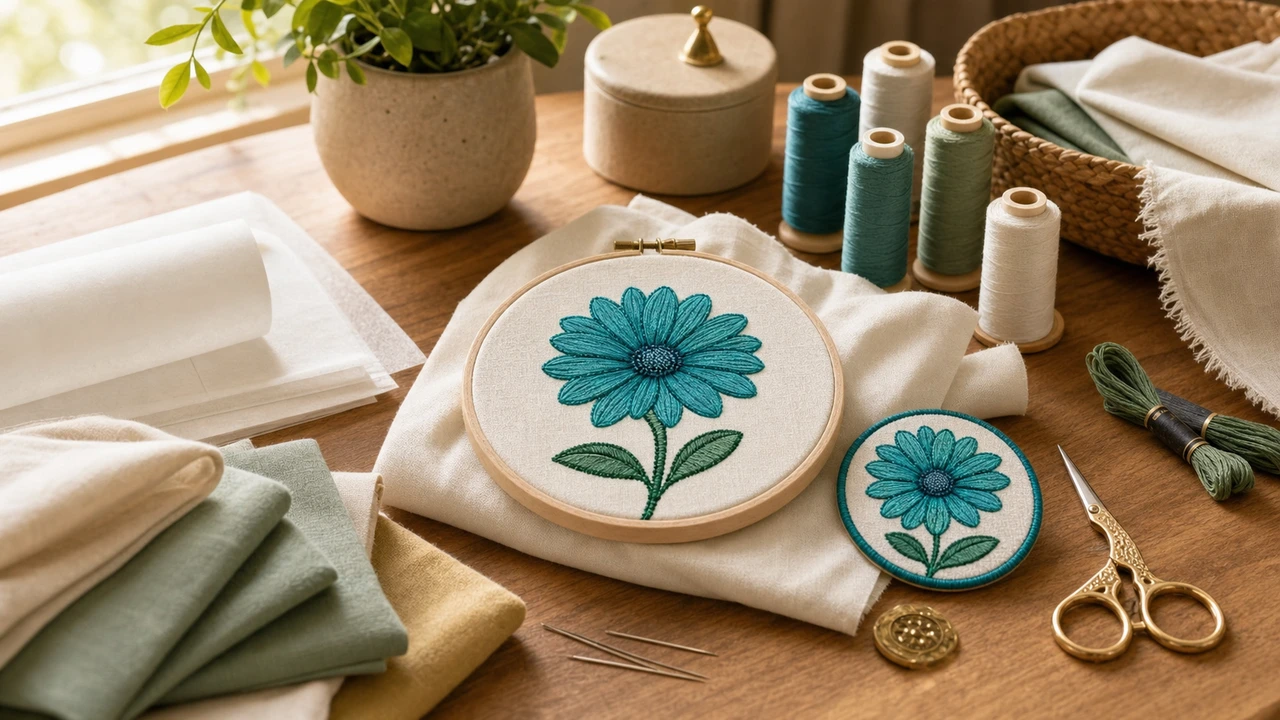
From Etsy purchase to stitched
Etsy embroidery downloads usually come as zip files containing multiple formats (PES + DST + JEF + VP3, sometimes more). Extract the zip to a folder before doing anything else.
Brother → PES, Janome → JEF, Husqvarna Viking → VP3, Tajima → DST, Bernina → EXP. Open the folder, find your format's file. If it's not there, use StitchPilot.ai to convert.
Drop the file into StitchPilot.ai's in-browser viewer. Confirm the design renders correctly. If the viewer errors, the file is corrupted; request a re-download from the seller.
Copy the file to a USB drive (FAT32 format) or use wireless transfer if supported. Load on the machine, confirm the design, run a test stitch on scrap fabric first.
Format conversion tips
Most Etsy listings include 5-6 formats. If yours isn't there:
Common pitfalls
Most "I bought this but it doesn't work" issues fall into these buckets:
How to use Etsy embroidery files — common questions
Most common causes: wrong format for your machine (e.g., JEF on a Brother), file is larger than your hoop, PES version is too new for your machine firmware, or USB drive isn't formatted as FAT32. Verify in StitchPilot.ai's viewer first.
Match your machine: PES for Brother, JEF for Janome, VP3 for Husqvarna Viking and Pfaff, DST for commercial Tajima, EXP for Bernina. Most Etsy listings include all of these bundled in one zip.
Yes. StitchPilot.ai's converter opens any major embroidery format and exports to any other. Useful when the Etsy listing didn't include your machine's native format.
For personal use on your own machine, yes — converting between formats does not violate the original purchase. Reselling the converted file as your own would violate the license.
Contact the Etsy seller through Etsy messages — they almost always re-send for free. If they're unresponsive, you can request a refund through Etsy buyer protection.
Bought on Etsy?
Drop the file in the in-browser viewer, confirm it works, convert if needed — before transferring to your machine.
Open your Etsy file →