Identify your machine brand and model
Look at the badge on your machine, or check the manual. Brand determines which embroidery format you need natively.
 StitchPilot.ai
Buyer guide · Format selection
Embroidery designs come in multiple formats — PES, DST, JEF, VP3, EXP, HUS, XXX, EMD. Buying the wrong one means it won't load on your machine. This guide walks through how to pick the right format for your machine, what to do if it's not available, and when format variety actually matters.
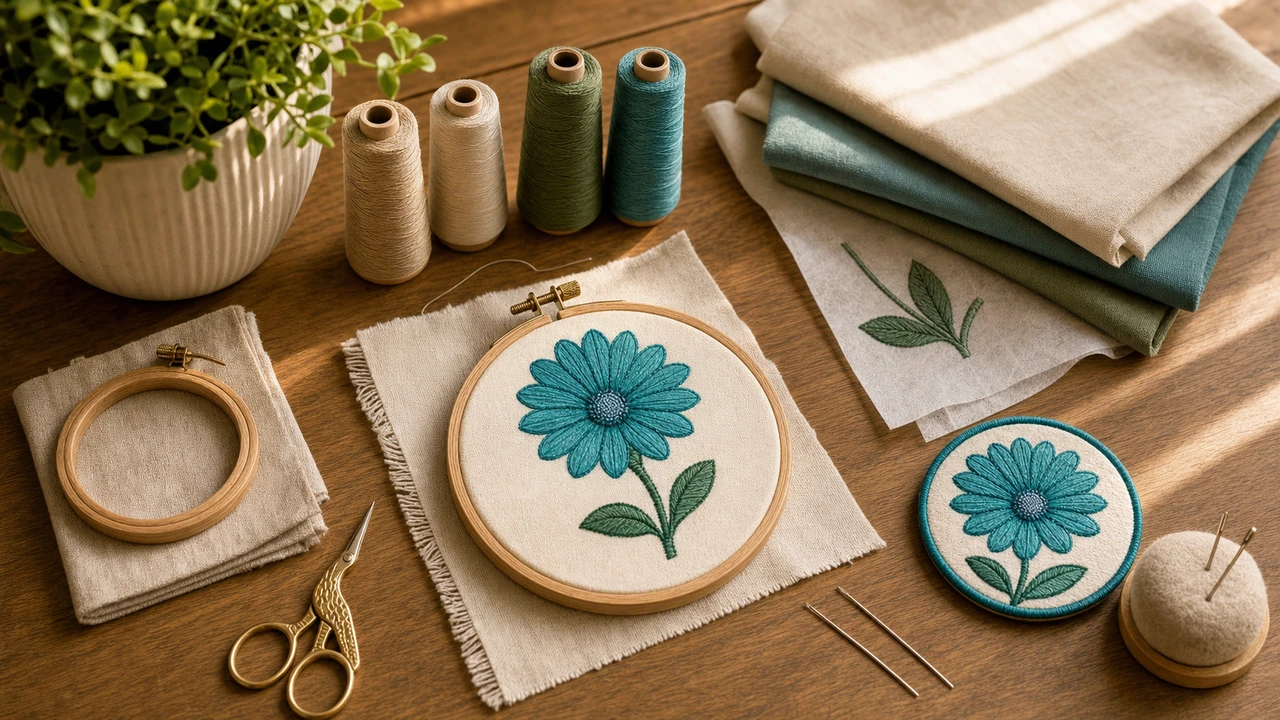
Pick the right format
Look at the badge on your machine, or check the manual. Brand determines which embroidery format you need natively.
Brother → PES. Janome → JEF. Husqvarna Viking / Pfaff → VP3. Tajima → DST. Bernina → EXP. Singer → XXX or EMD. Older Husqvarna → HUS.
Most embroidery design sellers bundle multiple formats. Confirm yours is included before purchase — the listing usually says "Includes: PES, DST, JEF, VP3, EXP, HUS, XXX".
If a listing only includes one format that's not yours, you can still buy and convert with StitchPilot.ai. Most modern conversions are clean.
Format-to-machine mapping
Most common machine brands and their native formats:
When format flexibility matters
If you have more than one machine, or you produce for multiple shops, multi-format bundles are worth it:
Which embroidery format to buy — common questions
DST (Tajima) is the de facto commercial standard — virtually every multi-needle machine accepts it. For home machines, PES (Brother) is widely supported. JEF is universal within the Janome ecosystem.
No, not natively. Janome reads JEF. Convert PES to JEF in StitchPilot.ai before transferring — conversion is one click and free for typical use.
All major formats preserve the same underlying stitch data — quality differences come from the digitizing, not the format. PES, DST, JEF, VP3 are all equally capable for typical embroidery.
Yes if you have more than one machine type, regularly outsource to contract shops, or anticipate upgrading machines. The price difference between a single-format file and a multi-format bundle is usually small.
Buy it anyway — convert with StitchPilot.ai. Most format conversions are lossless for stitch data. Brand-specific metadata may not survive, but the stitch sequence and colors do.
Got the wrong format?
One-click conversion between PES, DST, JEF, VP3, EXP, HUS, XXX, and EMD — free for typical use.
Browse converters →