Decide if scaling is safe
Small changes (within roughly ±10–20% of the original size) are usually safe with smart scaling. Larger changes typically need re-digitizing for clean results.
 StitchPilot.ai
Tutorial · Resizing
Embroidery files are not vector graphics — you cannot scale them freely. Stitch density, fill type, and underlay are calibrated for a specific size. Naive scaling produces dense bulges in shrunken designs and visible gaps in enlarged ones. This guide explains when scaling is safe, when to re-digitize, and how StitchPilot.ai handles size changes.
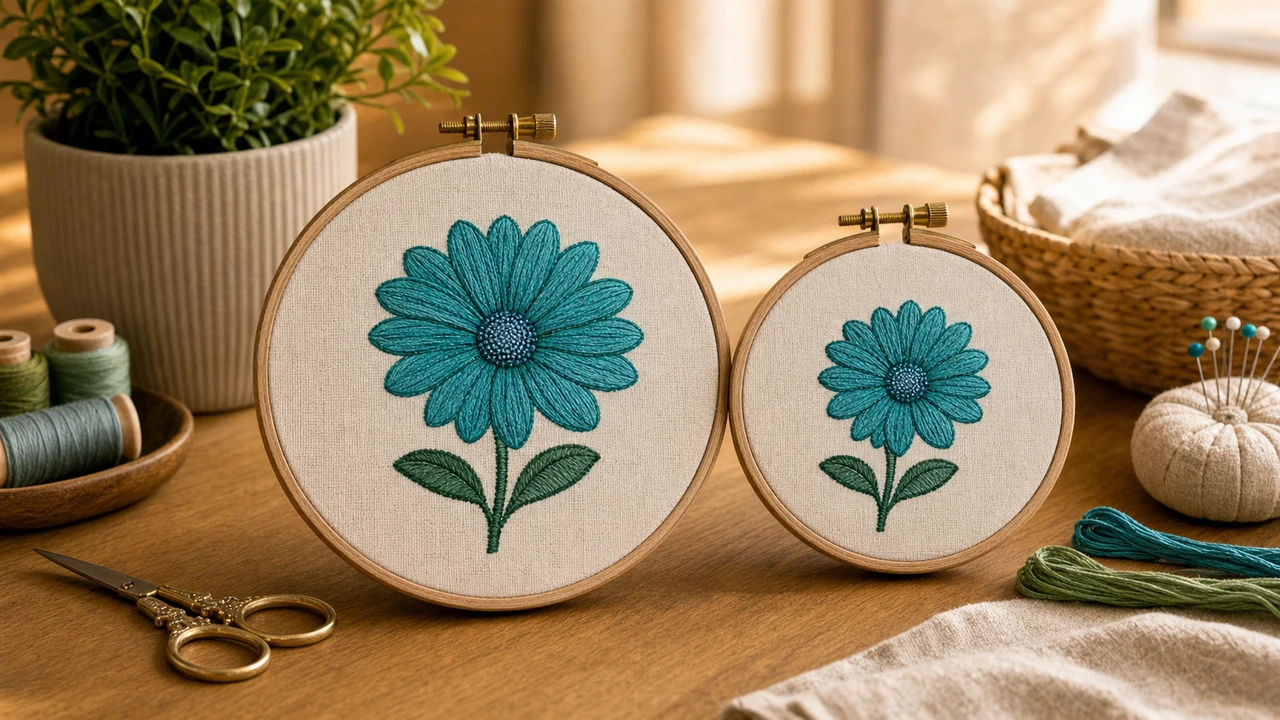
Smart resizing
Small changes (within roughly ±10–20% of the original size) are usually safe with smart scaling. Larger changes typically need re-digitizing for clean results.
StitchPilot.ai's resize workflow recalculates stitch density and underlay to match the new size, not just scaling stitch coordinates. This avoids the dense-bulge / sparse-gap problem of naive scaling.
Always check the preview at the new size. Look for: stitch density that looks too dense or too thin, lettering legibility, and small details lost in the scale change.
If you need a 2x or larger change, re-digitize from the original image. The result is dramatically cleaner than scaling and only adds a couple of minutes in StitchPilot.ai.
Why naive scaling fails
Embroidery stitches have physical width (thread thickness) that does not scale. If you shrink a design without recalculating density, you get a bulge of overlapping stitches. Enlarge it, and you get gaps between rows.
When to re-digitize
Re-digitize from the original artwork if:
How to resize embroidery file — common questions
Because stitches have a fixed physical width (thread thickness). Scaling stitch coordinates without recalculating density produces stitch overlap (when shrinking) or gaps (when enlarging). Modern resize tools recalculate density.
Roughly ±10–20% of the original size is generally safe with a density-aware resize. Beyond that, re-digitizing from the original image produces dramatically cleaner results.
Yes. The workspace recalculates stitch density and underlay for the new size, not just scaling coordinates. Preview the result and export.
Embroidery lettering has a minimum absolute height (typically 4–6 mm for satin stitch). If your resize drops letters below that threshold, expect legibility issues regardless of how the resize is done.
For small changes (±10–20%), no — density-aware resize works from the embroidery file alone. For larger changes, the original image gives the cleanest result.
Get it right at any size
Small change? Use the density-aware resize. Big change? Re-digitize from the original artwork — both flows live in the same browser workspace.
Open the workspace →