Write embroidery-ready DALL-E prompts
Same as Midjourney principles: prompt for "flat illustration, vector style, 2-3 colors, clean edges, white background". DALL-E's strict prompt following makes this especially effective.
 StitchPilot.ai
AI · DALL-E workflow
DALL-E (and OpenAI's image-generation models) produce high-quality images from text prompts. With the right approach, you can convert DALL-E output to embroidery files for stitching. This guide covers DALL-E prompts that work for embroidery and the conversion workflow.
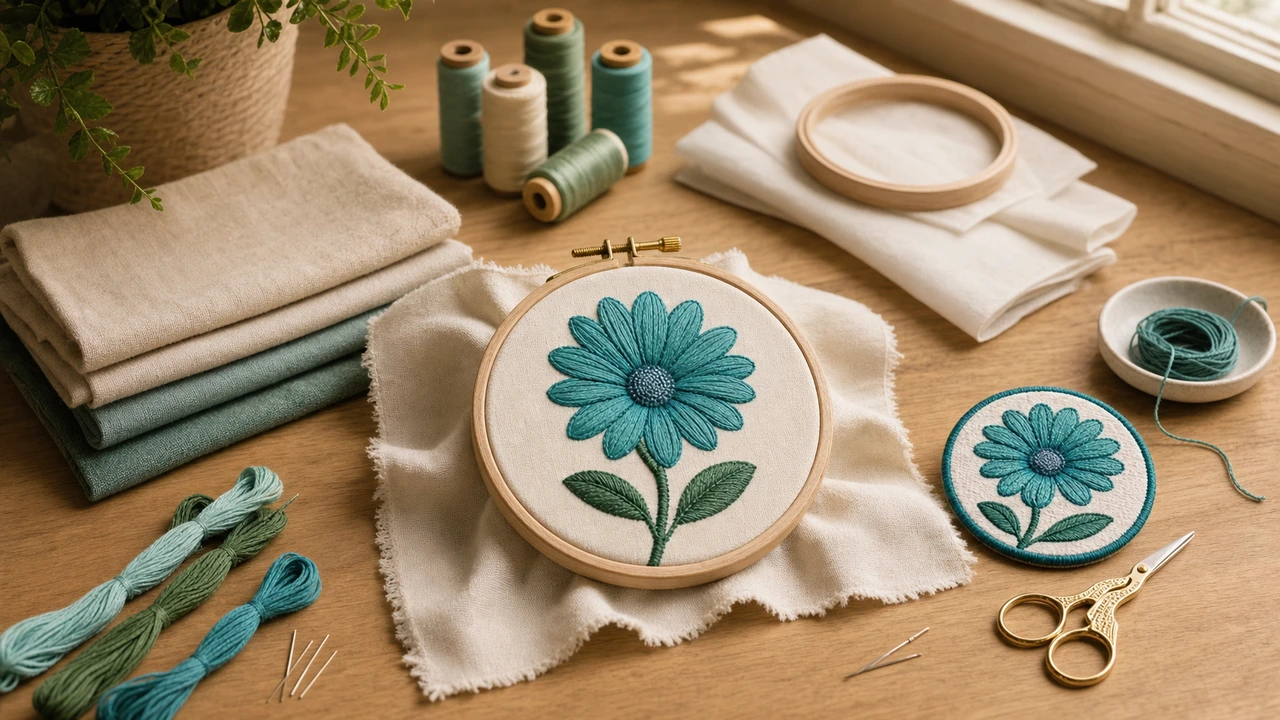
DALL-E → embroidery pipeline
Same as Midjourney principles: prompt for "flat illustration, vector style, 2-3 colors, clean edges, white background". DALL-E's strict prompt following makes this especially effective.
DALL-E typically generates at 1024x1024 or higher — plenty of resolution for embroidery. No need to upscale further.
DALL-E generally produces cleaner outputs than Midjourney for embroidery purposes. Background removal is usually the only post-process needed.
Upload the DALL-E image. AI converts to PES/DST/JEF/VP3 in seconds. Preview, adjust, download.
DALL-E vs Midjourney for embroidery
For embroidery purposes:
Effective DALL-E prompt templates
DALL-E prompt patterns that produce embroidery-ready output:
DALL-E to embroidery — common questions
Yes. Generate the image with embroidery-friendly DALL-E prompts ("flat illustration, vector style, limited colors, white background"), then upload to StitchPilot.ai for conversion to PES/DST/JEF/VP3.
Slightly — DALL-E follows prompts more literally, so it's easier to get embroidery-ready output without iteration. Midjourney is more artistic; DALL-E is more precise. Both work with StitchPilot.ai conversion.
Template: "Flat illustration of [subject], vector style, 3 colors only, bold outlines, white background, no gradients". Adjust subject for your need.
Generally yes — OpenAI's terms allow commercial use of DALL-E output for paid ChatGPT Plus users. Case law on AI-generated images is still developing — check OpenAI's current terms before commercial production.
Less than Midjourney typically. Background removal is the main step. DALL-E output is usually closer to embroidery-ready than Midjourney's artistic styles.
Generated with DALL-E?
Upload your DALL-E image, get a stitched preview, export PES/DST/JEF/VP3 — ready for your machine.
Convert your DALL-E image →