AI · Midjourney workflow

Midjourney to Embroidery — Complete Workflow

Midjourney generates beautiful images from prompts, but those images aren't embroidery-ready out of the box. This guide explains how to write Midjourney prompts that produce embroidery-friendly images, what post-processing to do before conversion, and how to convert the result to PES/DST/JEF in StitchPilot.ai.

Midjourney to Embroidery — Complete Workflow — StitchPilot.ai
StitchPilot.ai converts Midjourney output to all embroidery formats.

Midjourney → embroidery pipeline

01

Write embroidery-friendly Midjourney prompts

Add "flat illustration, vector style, clean edges, limited color palette, 2-3 colors, white background" to your prompt. This produces images that digitize cleanly. Avoid photo-realistic or gradient-heavy outputs.

02

Pick the right Midjourney aspect ratio

Use --ar 1:1 or 4:3 for typical embroidery designs. Square or close-to-square works best for monograms, logos, and patches.

03

Post-process the Midjourney output

Remove background (use any background remover tool), increase contrast if edges are soft, simplify gradients in Photoshop/Affinity/free GIMP if present.

04

Convert in StitchPilot.ai

Upload the cleaned image. StitchPilot.ai's AI converts it to PES/DST/JEF/VP3 in seconds. Preview, adjust if needed, download.

Embroidery-friendly Midjourney prompts

Prompt templates that work

Add these modifiers to your Midjourney prompt for embroidery-ready output:

  • "flat illustration, vector style" — produces clean edges
  • "limited color palette, 2-3 colors" — reduces color count for embroidery
  • "high contrast, clean edges" — improves digitizing quality
  • "white background" — easier to isolate the design
  • "thick outlines, bold shapes" — survives at small stitch sizes

What doesn't work

Midjourney outputs to avoid

Some Midjourney styles don't digitize well:

  • Photo-realistic faces — too much fine detail for embroidery
  • Heavy gradients — embroidery is solid color zones, not gradients
  • Very fine detail (eyelashes, individual leaves) — gets lost at typical embroidery sizes
  • Painterly / brush-stroke styles — convert to messy embroidery
  • Complex backgrounds — keep design isolated on white background

Midjourney to embroidery — common questions

Can I use Midjourney for embroidery designs?

Yes, with the right prompt approach. Use prompts like "flat illustration, vector style, 2-3 colors, white background" to produce embroidery-friendly images. Then convert to PES/DST/JEF in StitchPilot.ai.

What's the best Midjourney prompt for embroidery?

Template: "[your subject], flat illustration, vector style, limited color palette, 2-3 colors, high contrast, clean edges, white background, --ar 1:1". Adjust subject and colors per your need.

Can I sell embroidery designs made from Midjourney?

Generally yes, depending on Midjourney's commercial license terms and your jurisdiction. Midjourney's paid plans allow commercial use. Case law on AI-generated images is still developing — check current Midjourney terms.

Do I need to post-process Midjourney images before embroidery?

Usually yes. Background removal, contrast adjustment, and gradient simplification produce dramatically better embroidery output. 5 minutes of cleanup saves hours of digitizing problems.

Why doesn't my Midjourney embroidery look right?

Most common: too much fine detail in the Midjourney output, gradients that don't translate to stitch zones, or low-contrast edges. Use simpler prompts with vector/flat-illustration modifiers.

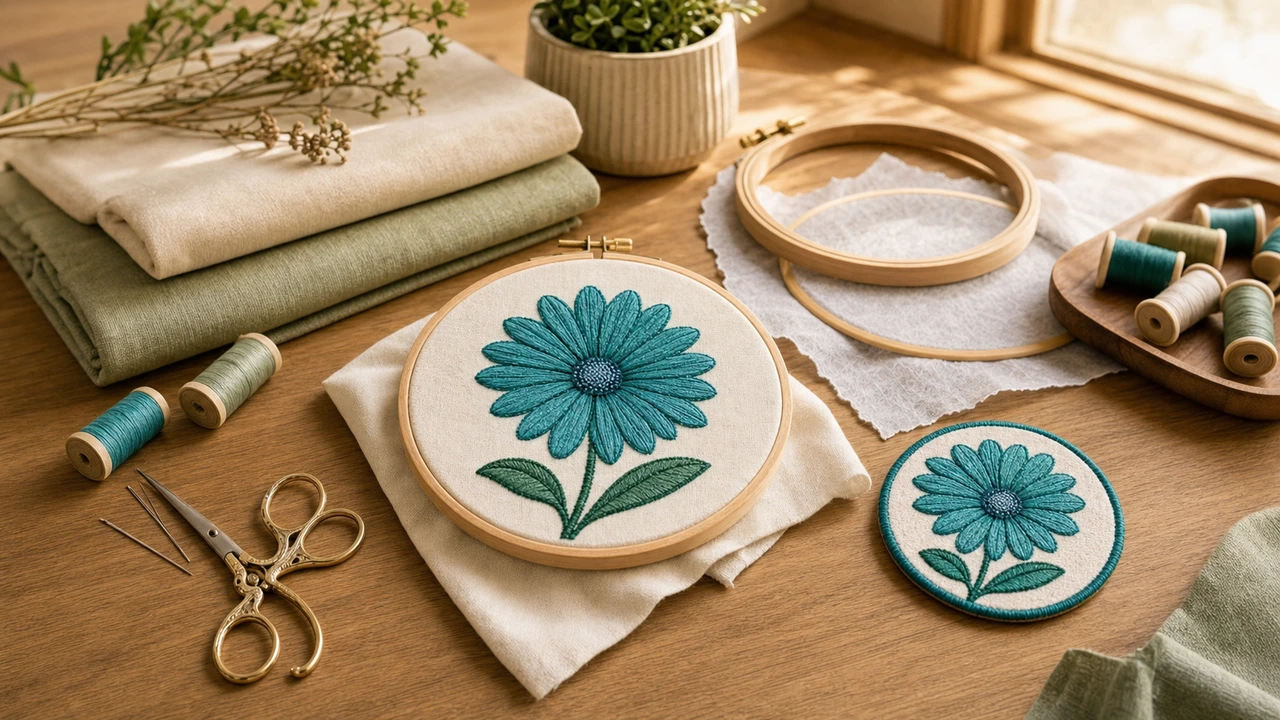
Generated with Midjourney?

Convert to embroidery in seconds

Upload your Midjourney image, get a stitched preview, export PES/DST/JEF/VP3 for any machine.

Convert your Midjourney image →