Open the file
Drop your .emd file into the StitchPilot.ai EMD viewer. The browser reads the design — no Singer software required.
 StitchPilot.ai
Embroidery format · EMD
EMD is a proprietary embroidery format associated with Singer embroidery machines and selected legacy systems. Open EMD files in the browser, convert to PNG for preview, or transition to a more widely supported format like PES or DST.
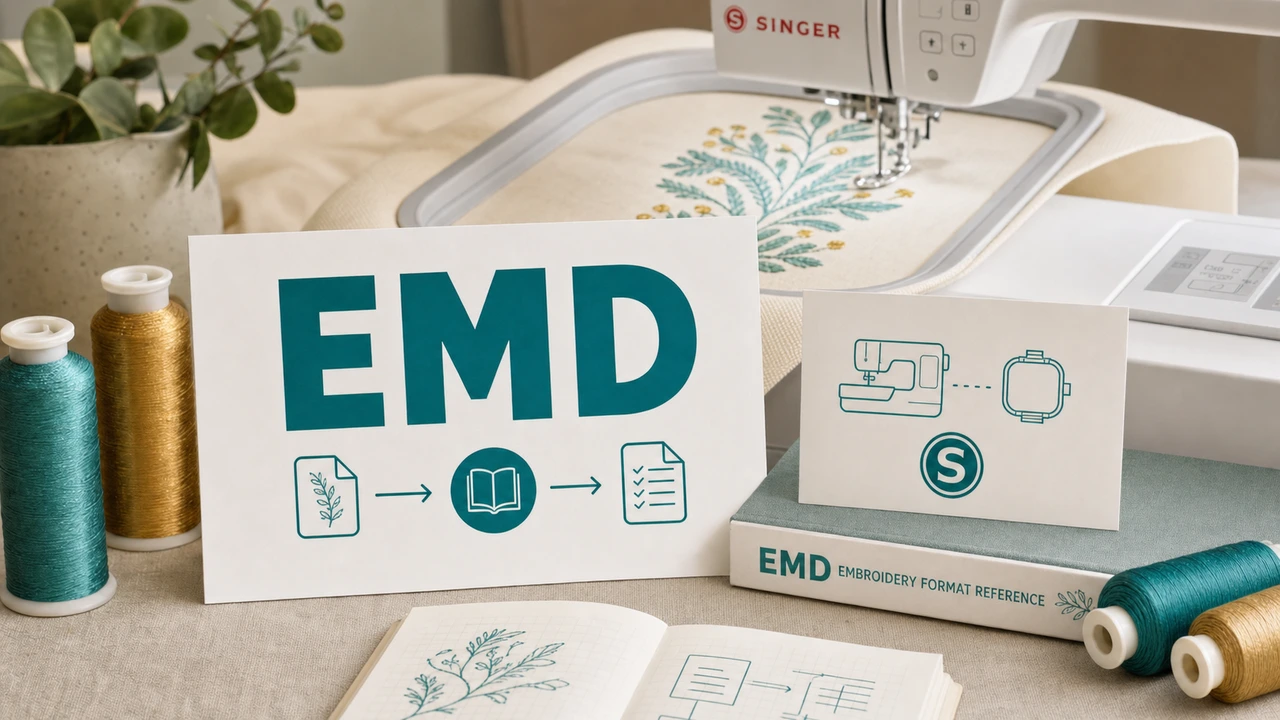
About EMD
EMD is the embroidery file format associated with Singer and select Elna embroidery machines, used most notably by Singer Quantum XL and older Futura systems. It stores stitch data and color information specific to the Singer ecosystem.
Working with EMD today
If you are starting a new project or sending designs to a partner, PES (Brother), DST (Tajima), or JEF (Janome) are more universally supported than EMD. StitchPilot.ai can open your EMD library and re-export to a modern format without leaving the browser.
Working with EMD in StitchPilot.ai
Drop your .emd file into the StitchPilot.ai EMD viewer. The browser reads the design — no Singer software required.
Visual render of the stitches, color order, and approximate dimensions. Confirm the file opens correctly and matches your design library expectation.
Save a PNG preview for client approval, marketplace listings, or design library archives.
If your production machine is Brother, Tajima, Janome, Husqvarna, or another non-Singer system, convert the design to that machine's native format.
EMD format — common questions
EMD is a proprietary embroidery file format associated with Singer embroidery machines and certain Elna home embroidery systems.
EMD is primarily used by older Singer embroidery machines such as the Singer Quantum XL and selected Singer Futura models. Newer Singer machines have largely moved to other formats — check your specific model documentation.
Yes. StitchPilot.ai opens EMD files in the browser and can export PNG previews. For conversion to embroidery formats like PES, DST, JEF, or VP3, use the format-specific converter pages.
Yes. StitchPilot.ai reads EMD files directly in the browser — no Singer software required. Useful for opening older design libraries or files received from clients.
EMD has a narrower active user base than PES, DST, or JEF — mostly users with legacy Singer machines and older design libraries. For new work, more universal formats like PES or DST are typically preferred.
Open an EMD now
No Singer software required. Open, inspect, export, and convert EMD designs in StitchPilot.ai.
Open EMD file →