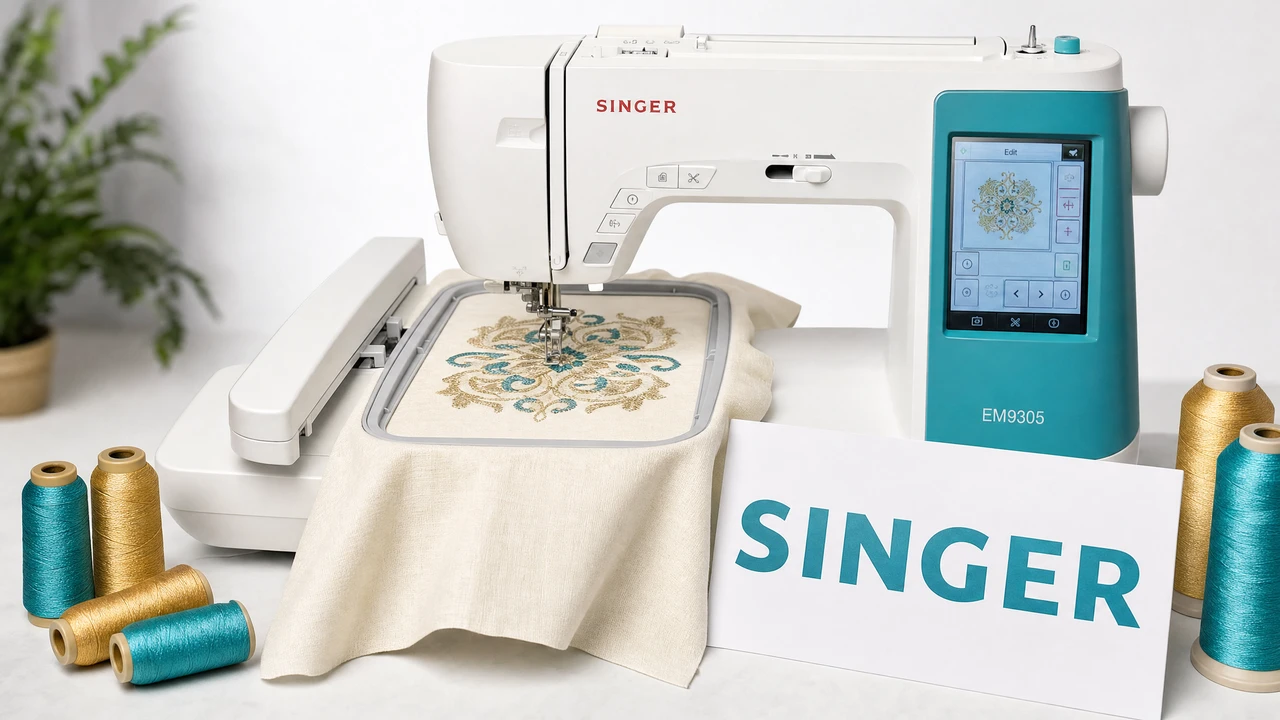
What file format do Singer embroidery machines use?
Singer embroidery machines use the XXX format (Compucon/Singer format). XXX is associated with the Singer/Compucon embroidery software ecosystem and stores stitch data in a compact format.
How do I transfer embroidery files to a Singer machine?
Transfer XXX files to a Singer machine via USB drive. Format the drive as FAT32, place files in the root directory, and insert into the USB port. Use your machine menu to navigate and select the design file.
Is XXX the same as the Compucon format?
Yes. XXX is the Compucon/Singer format, originally developed by Compucon and widely associated with Singer embroidery machines. It is sometimes encountered when working with older design libraries or Singer-specific software.
Can I convert DST or PES files to XXX?
Yes. StitchPilot.ai converts between major embroidery formats including DST, PES, and XXX. Always verify the output on your specific machine, as XXX compatibility can vary between Singer model generations.
What should I check before stitching a Singer XXX file?
Before production, verify the design fits within your hoop, review the stitch preview for coverage and edge quality, check the color stop sequence, and run a test stitch on scrap fabric with appropriate stabilizer.