Upload your SVG
SVG vector input is ideal — clean paths and crisp edges give the AI the most to work with. Avoid raster effects embedded in the SVG; flatten gradients and patterns before exporting.
 StitchPilot.ai
Format converter · VP3 output
Turn SVG vector artwork into a VP3 embroidery file with AI-assisted digitizing, in-browser preview, and Husqvarna Viking-ready workflow. No install — works in any browser, free for typical use.
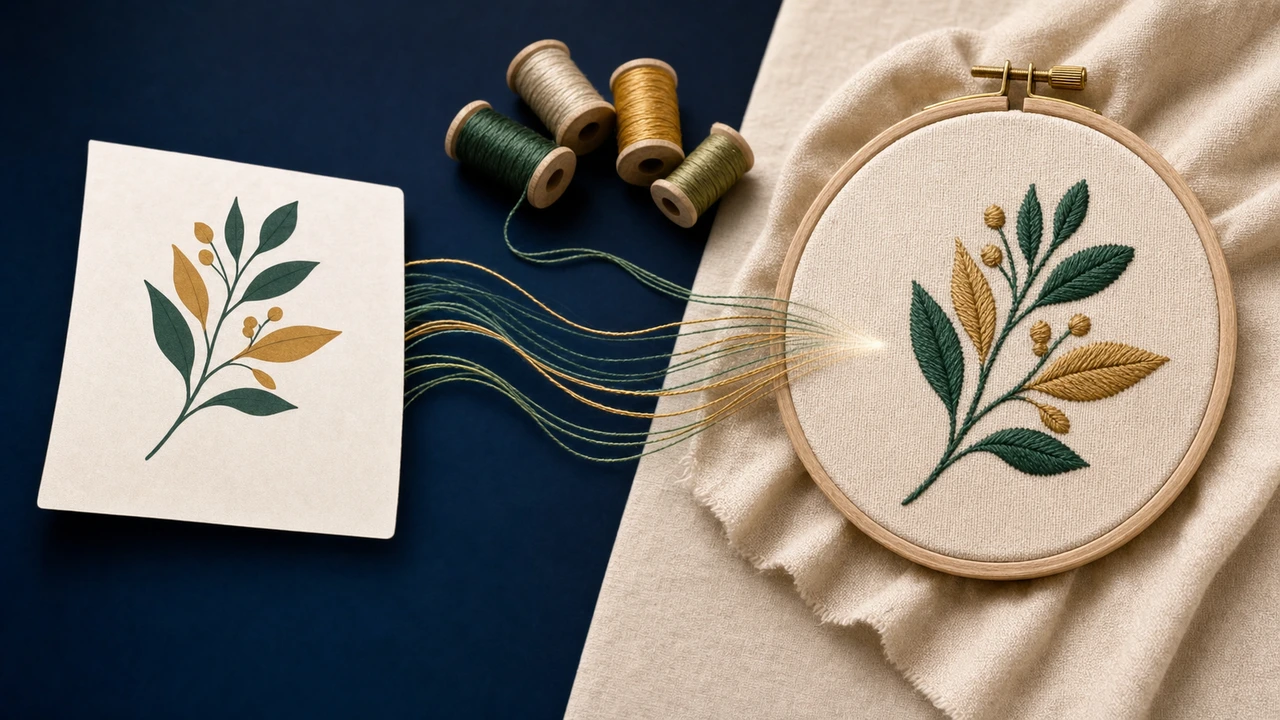
Recommended workflow
SVG vector input is ideal — clean paths and crisp edges give the AI the most to work with. Avoid raster effects embedded in the SVG; flatten gradients and patterns before exporting.
StitchPilot.ai analyzes shapes, colors, and likely fill areas, then recommends stitch type and density appropriate for VP3 output on Husqvarna Viking machines.
Check scale, color zones, and hoop fit before committing. A visual preview catches issues earlier than a machine run.
Download the VP3 file, transfer to your Husqvarna Viking machine via USB or wireless, and keep your original SVG artwork for future revisions.
About VP3
VP3 is the Husqvarna Viking embroidery file format. Husqvarna Viking Designer Epic, Brilliance, Topaz, Sapphire read VP3 natively.
SVG input tips
Clean source artwork makes the biggest difference. The AI handles the rest, but garbage in usually means garbage out.
SVG to VP3 — common questions
Yes. StitchPilot.ai converts SVG artwork to VP3 in the browser, free for typical individual use. No install, no Windows lock-in.
Yes. The exported VP3 file is the native format for Husqvarna Viking machines including Husqvarna Viking Designer Epic, Brilliance, Topaz, Sapphire. Transfer via USB or wireless as specified in your machine manual.
Plan the SVG source artwork close to the final embroidery size. Drastic scaling at conversion time can affect quality — clean source artwork sized appropriately produces the best results.
Yes. AI conversion produces a strong starting point, but always review the stitch preview before downloading and run a test stitch on production work.
Yes. Once the design is in the StitchPilot.ai workspace, you can export to PES, DST, JEF, VP3, EXP, HUS, XXX, or EMD with one click — no need to re-digitize for each format.
Ready to convert?
Upload your SVG artwork, review the AI-assisted preview, export a VP3 file ready for your Husqvarna Viking machine.
Start SVG to VP3 →