Check your machine's manual
The single fastest way to choose: open your machine's manual and look for "supported file formats". Most machines accept one or two formats natively; everything else needs conversion.
 StitchPilot.ai
Format comparison
PES is the native format for Brother embroidery machines (Innov-ìs, SE700, PE800, SE1900). JEF is the native format for Janome embroidery machines (Memory Craft, MB-4, Skyline). They overlap in capability but target different machine ecosystems. This guide compares them side-by-side and explains how to convert between them when you need to.
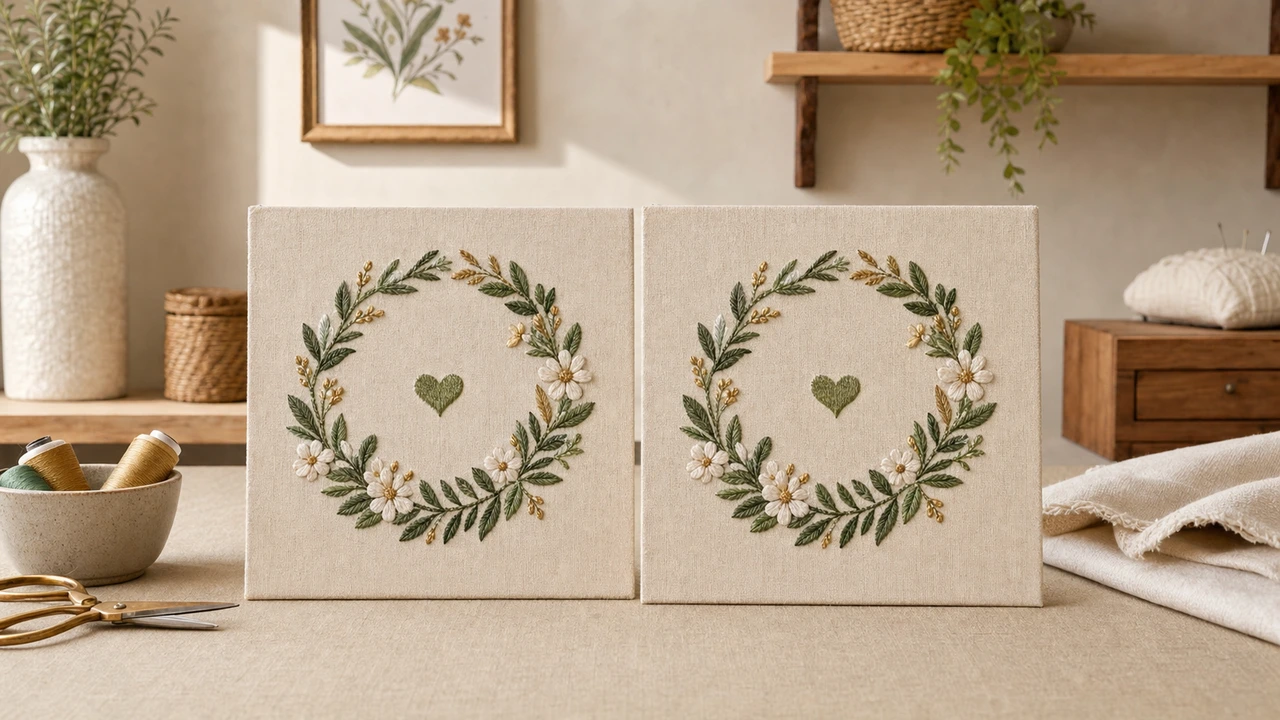
How to choose
The single fastest way to choose: open your machine's manual and look for "supported file formats". Most machines accept one or two formats natively; everything else needs conversion.
PES is the right call when you are working in the Brother ecosystem. JEF is the right call for the Janome ecosystem.
If you are sending designs to multiple machines or production partners, DST (Tajima) is the most universally accepted commercial format. Otherwise pick the native format for your primary machine.
StitchPilot.ai converts between PES and JEF in the browser. Open the file, choose the target format, export. No need to keep multiple desktop tools installed.
When to choose PES
PES is the natural choice in these contexts:
When to choose JEF
JEF is the natural choice in these contexts:
PES vs JEF — common questions
Neither is "better" — they target different machine ecosystems. PES is the native format for Brother; JEF for Janome. Pick the one your machine reads natively.
Yes. StitchPilot.ai converts between PES and JEF in the browser. The same source design can be exported to either format without re-digitizing.
Modern conversion between PES and JEF preserves the stitch sequence and color order. Some format-specific metadata (such as thread brand codes) may be lost; the stitches themselves are preserved.
PES files use the .pes extension. JEF files use the .jef extension.
Only if you produce on both ecosystems. If your work targets only one machine family, stick to its native format and convert only when sending out for production elsewhere.
Skip the format decision
Upload once, export to PES, JEF, or any other major embroidery format from the same workspace.
Convert to either format →