Get a clean source file
Vector (SVG, AI, EPS) is ideal — clean paths, infinite scalability. PNG with transparent background works second-best. JPG with white background needs cleanup.
 StitchPilot.ai
Tutorial · Logo digitizing
Logo digitizing — converting a company logo to embroidery file — is one of the most-requested embroidery services. This guide covers the complete digitizing workflow: source artwork prep, color planning, stitch type selection, and how AI tools like StitchPilot.ai can do it in seconds.
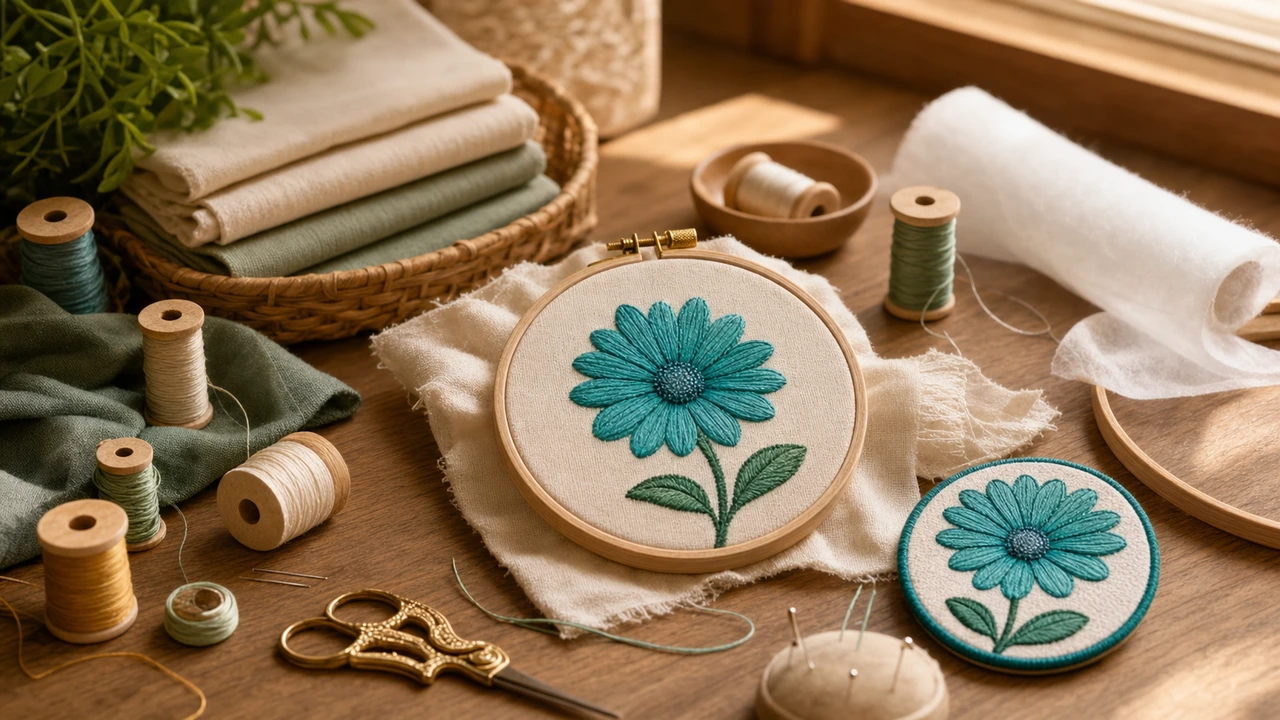
Logo digitizing workflow
Vector (SVG, AI, EPS) is ideal — clean paths, infinite scalability. PNG with transparent background works second-best. JPG with white background needs cleanup.
Embroidery is much more limited on colors than printing — most home production happens with 4-6 thread colors. Simplify gradients and similar shades before digitizing.
Borders and lettering → satin stitch. Solid filled areas → fill stitch (typically tatami). Thin lines → run stitch. AI tools handle this automatically; manual digitizing requires explicit selection.
StitchPilot.ai: upload logo → AI picks stitch types → preview → adjust → download. Manual digitizing in Wilcom/Hatch: 30-60 minutes per logo. AI option in seconds.
What makes a logo "embroidery-ready"
Logos that digitize cleanly share these traits:
Logo digitizing services compared
How to get a logo digitized:
How to digitize a logo for embroidery — common questions
AI tools: $12/month unlimited (StitchPilot.ai). Online human services: $15-50 per logo. Freelance: $30-150. Production digitizers: $50-300 for brand-critical work. AI is 10-50x cheaper for typical logos.
Vector (SVG, AI, EPS) ideal — clean paths, scales freely. PNG with transparent background second-best. JPG works but may need cleanup. Higher source quality = better embroidery output.
For typical commercial and small-business logos (clean vector, 2-6 colors, no fine detail), yes — AI matches or exceeds human quality. For brand-critical work with strict kerning and stitch optimization, experienced human digitizers still produce better results.
AI digitizing: seconds. Online human services: 24-48 hours. Manual digitizing yourself: 30-60 minutes per logo (after learning curve). Speed difference is the main AI advantage.
Left chest standard: 3-4″ wide. Back design: 8-12″. Cap embroidery: 2-2.5″ tall. Plan around minimum letter height (4-8mm) and minimum stroke width (0.8mm) at intended embroidery size.
Digitize logos affordably
Upload your logo, get a stitched preview in seconds, export to any embroidery format — done.
Digitize your logo →